Nano Banana Bingo
Back to all tools

AI age progression studio

Discover Your Future Self with the Ultimate Aging Filter

Instantly visualize how you will look years from now — or years ago. Powered by advanced AI aging technology, nano banana.bingo creates ultra-realistic, authentic age progressions while keeping your core facial features perfectly intact.

AI age progression studio

Choose your age direction

Upload one clear portrait, choose Younger or Older, then fine-tune the age shift from 40 years younger to 60 years older.

Upload one clear, front-facing portrait. A photo is required.

Reference images

0/1 images attached

Choose a direction
20 years older

Generation uses your Nano Banana credits. Sign in is required before starting.

How the Aging Filter Workflow Works

Understand how our engine processes your image before downloading your striking visual assets for campaigns or personal curiosity.

  1. Step 1: Upload a High-Quality Portrait

    Start by providing a clear, well-lit frontal headshot. Our aging filter algorithm works best with standard JPG or PNG formats (between 256px and 4096px), ensuring your base image is primed for maximum facial mapping accuracy.

  2. Step 2: Choose Direction & Fine-Tune the Age Shift

    First, pick a direction — Younger or Older. Then use the Age adjustment slider to dial in exactly how far to shift, anywhere from 40 years younger to 60 years older than the current portrait. You stay in full control of your digital timeline with a single drag.

  3. Step 3: Generate and Export

    Watch as the ai aging engine applies photorealistic biological shifts in seconds. Instantly download your stunning before-and-after comparisons, perfectly formatted and ready for immediate social sharing.

Try the Aging Filter
Portrait before applying the aging filter
Portrait generated at the selected target age

Why Professionals Rely on Our AI Age Progression

Experience biological effects that stay deeply true to your identity while showcasing hyper-realistic skin textures and lighting.

Uncompromised Photorealism

Our aging filter doesn't just slap a generic gray mask on your face. It intelligently analyzes your unique bone structure, skin elasticity, and lighting environment so the final output looks like a genuine photograph, not a cartoon.

Full Timeline Flexibility — Both Directions, Fine-Grained Control

Travel both forward and backward through time. Preview how someone looked decades earlier, or how they'll gracefully age into later years — simply switch the direction between Younger and Older, then fine-tune the exact shift with the age slider (−40 to +60 years).

Studio-Ready Output

Generate gripping before-and-after visual assets perfect for viral social media campaigns, historical education, or creative storytelling without spending hours on manual Photoshop retouching.


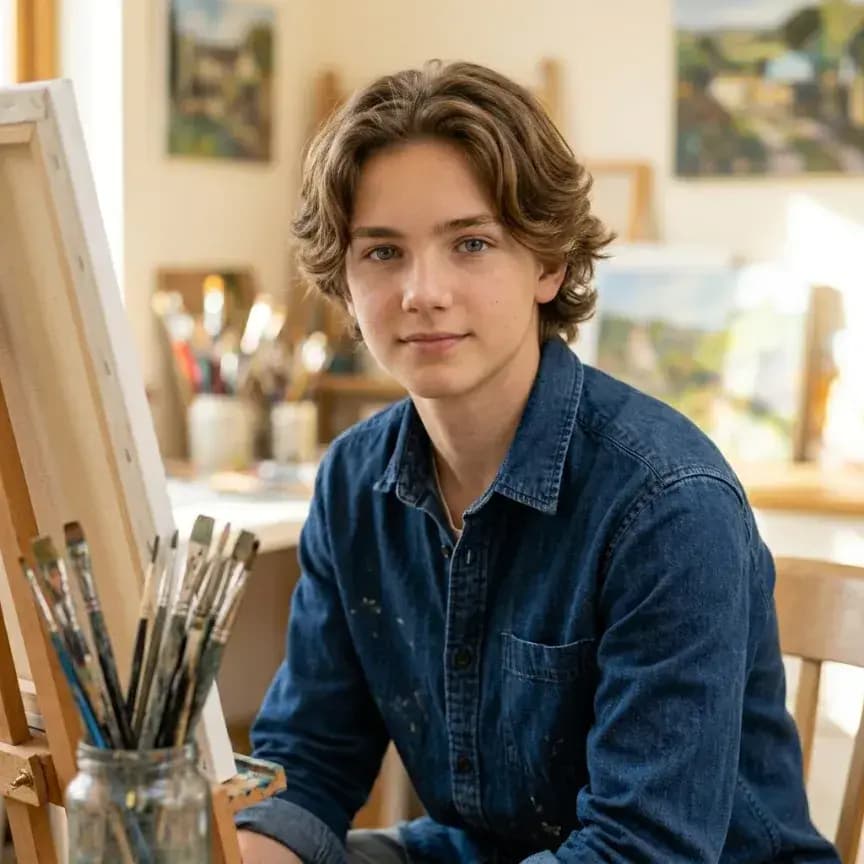
Artist before applying the aging filter
Artist generated at the selected target age

Peer Into the Future with Precision

Transform your modern photos into incredibly realistic portraits that respect the natural biological process. Instead of applying exaggerated caricatures, our aging filter maps nuanced shifts—subtle fine lines, mature skin textures, volume loss, and authentic silvering of the hair that genuinely occur over decades. It is the ultimate tool for visual storytellers, genealogy enthusiasts, or anyone intensely curious about the passage of time. The engine preserves your core identity while seamlessly blending in mature characteristics. Try it today and watch yourself travel through time!

True-to-Life Texture and Tone Mapping

Apply a deeply authentic timeline progression to any portrait. From young adults curious about middle age to filmmakers visualizing future eras, this AI aging filter creates effects that look remarkably genuine. It meticulously calculates age-appropriate modifications based on your unique facial geometry—deepening smile lines, shifting pigmentation, and adapting hair textures. Simply upload your base photo and watch it transform into an astonishingly realistic ai older version of the subject.

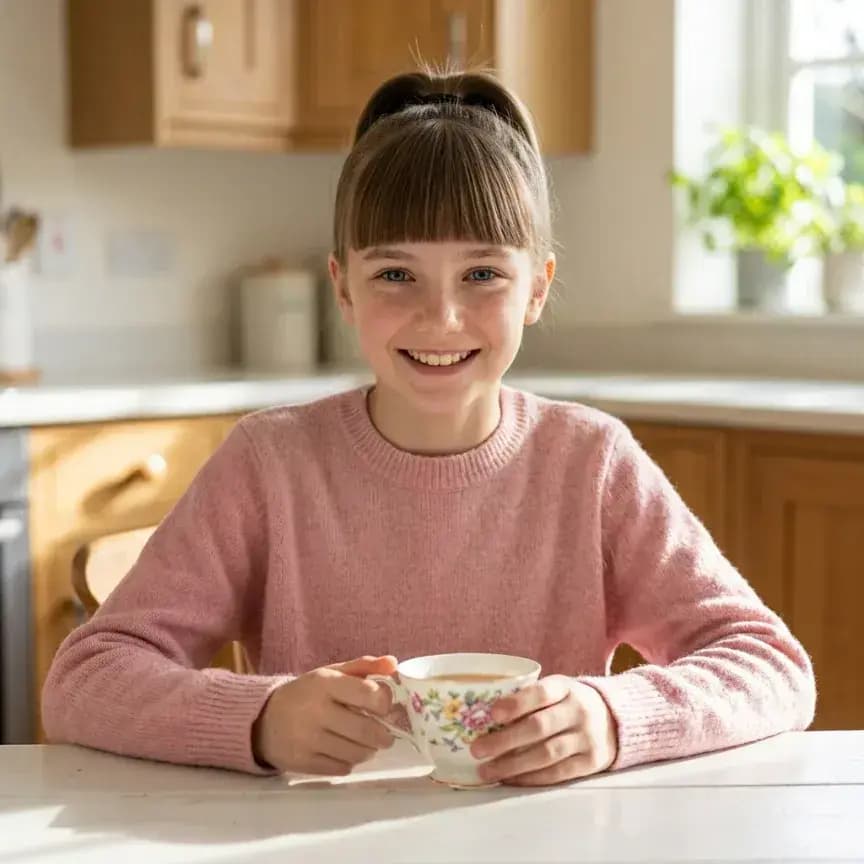
BeforeWoman before applying the aging filter
AfterWoman generated at the selected target age
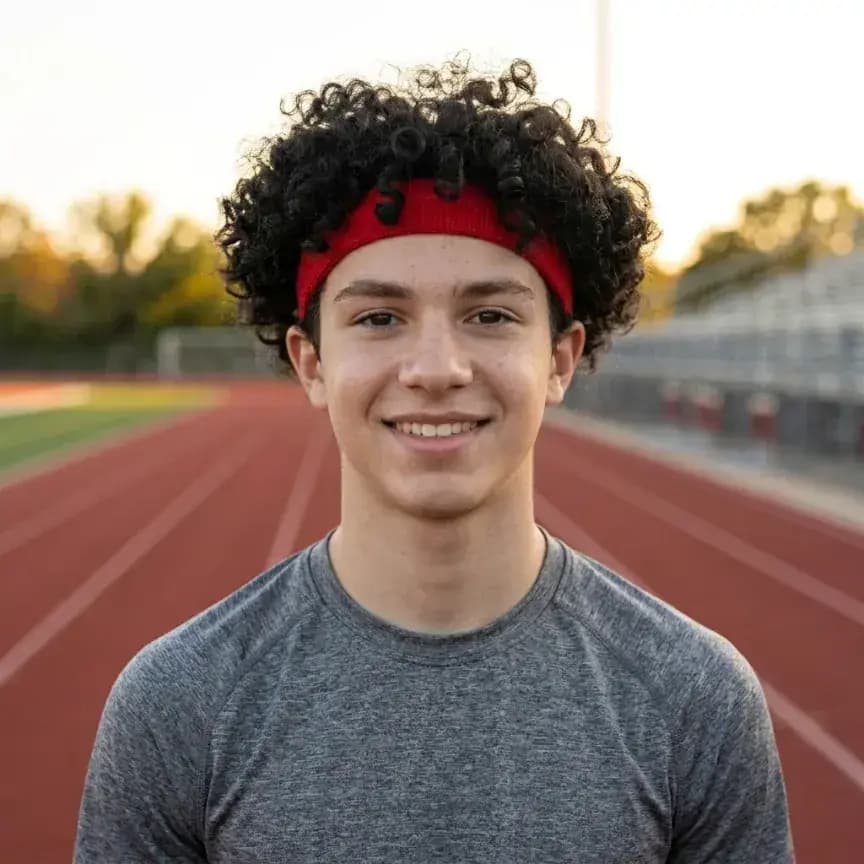
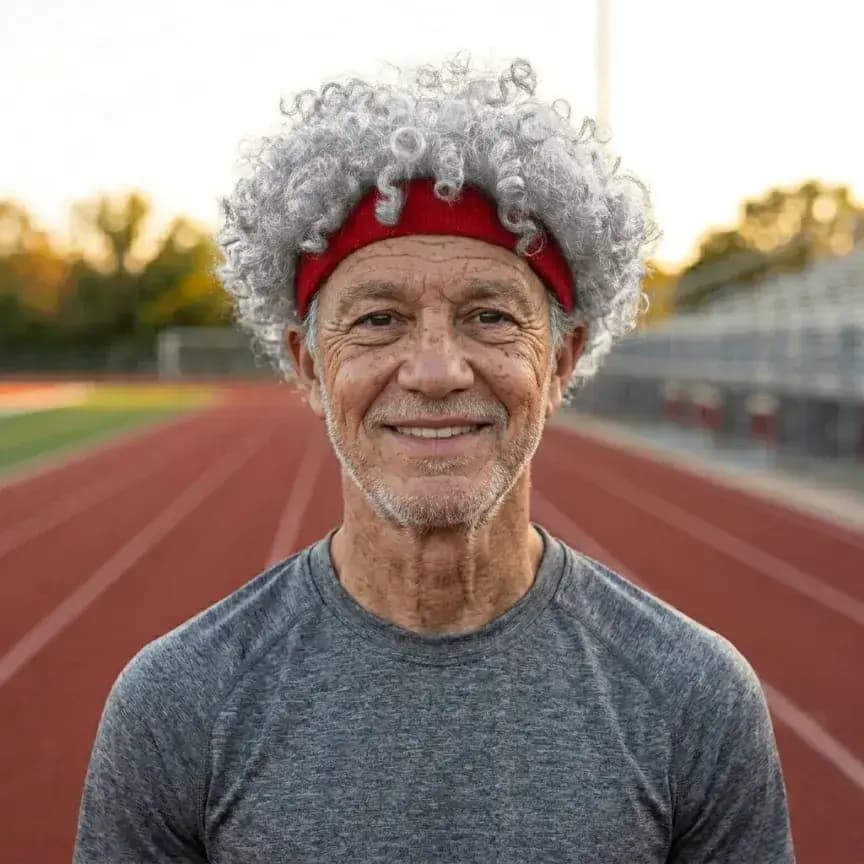
BeforeAthlete before applying the aging filter
AfterAthlete generated at the selected target age

Maintain Your Core Identity

The biggest flaw of generic apps is losing the subject's distinct likeness. Whether you're working on a film production, a family history restoration, or a creative design project, our technology ensures that the fundamental essence of the face remains 100% intact. Designed for directors, medical educators, and the endlessly curious, this aging filter layers mature, time-appropriate characteristics completely seamlessly over the original, recognizable identity. Plus, the entire workflow is lightning-fast and browser-based!

Craft Viral Before-and-After Content

Want to stop the scroll and amaze your audience? Share striking age progression comparisons directly to Instagram, Facebook, or TikTok. Post hyper-realistic future-vision selfies or dramatic timeline transformations that instantly capture attention. The unarguable authenticity of our aging filter guarantees your photos will stand out, sparking massive curiosity and conversation across your entire social feed. Make every post a viral conversation starter!

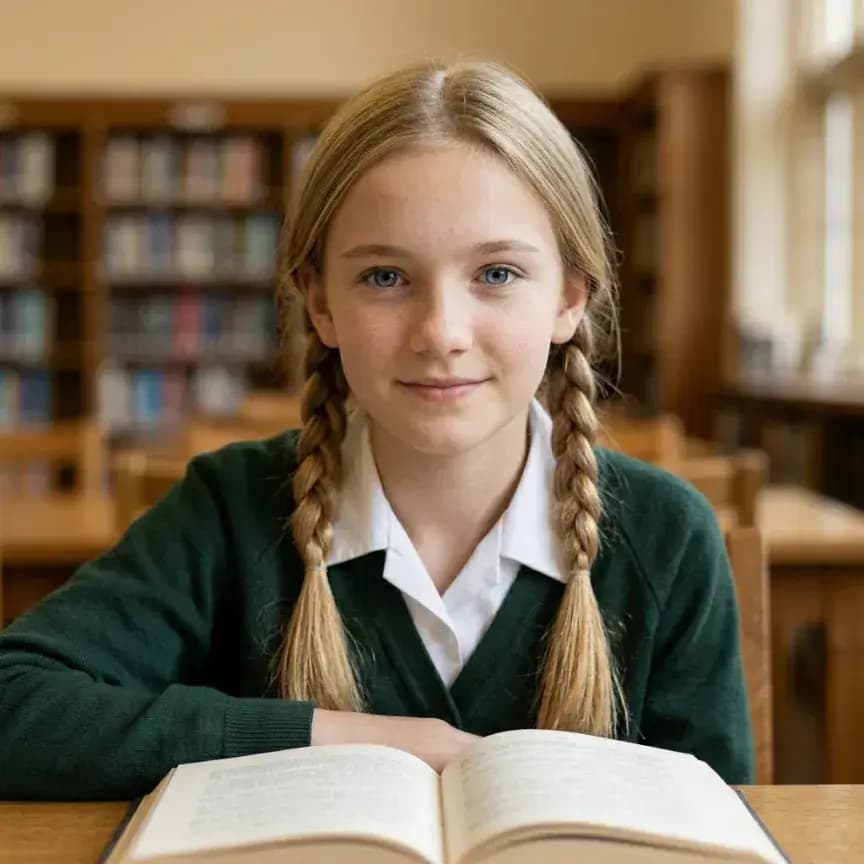
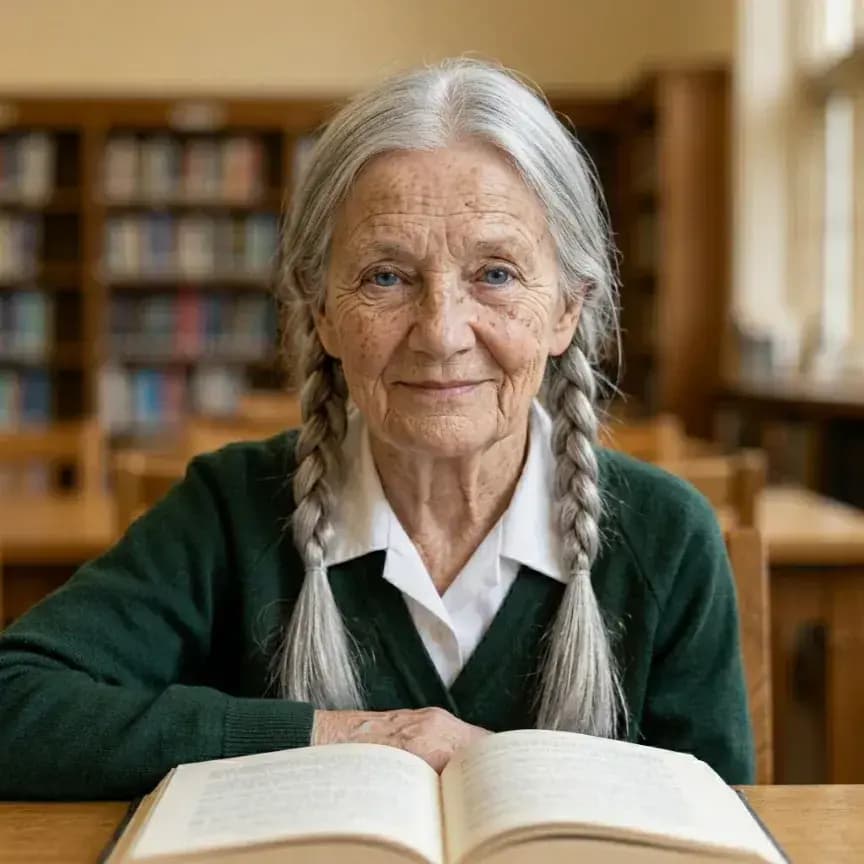
BeforeStudent before applying the aging filter
AfterStudent generated at the selected target age

Discover the Possibilities of our aging filter.

Versatile Applications Across Industries

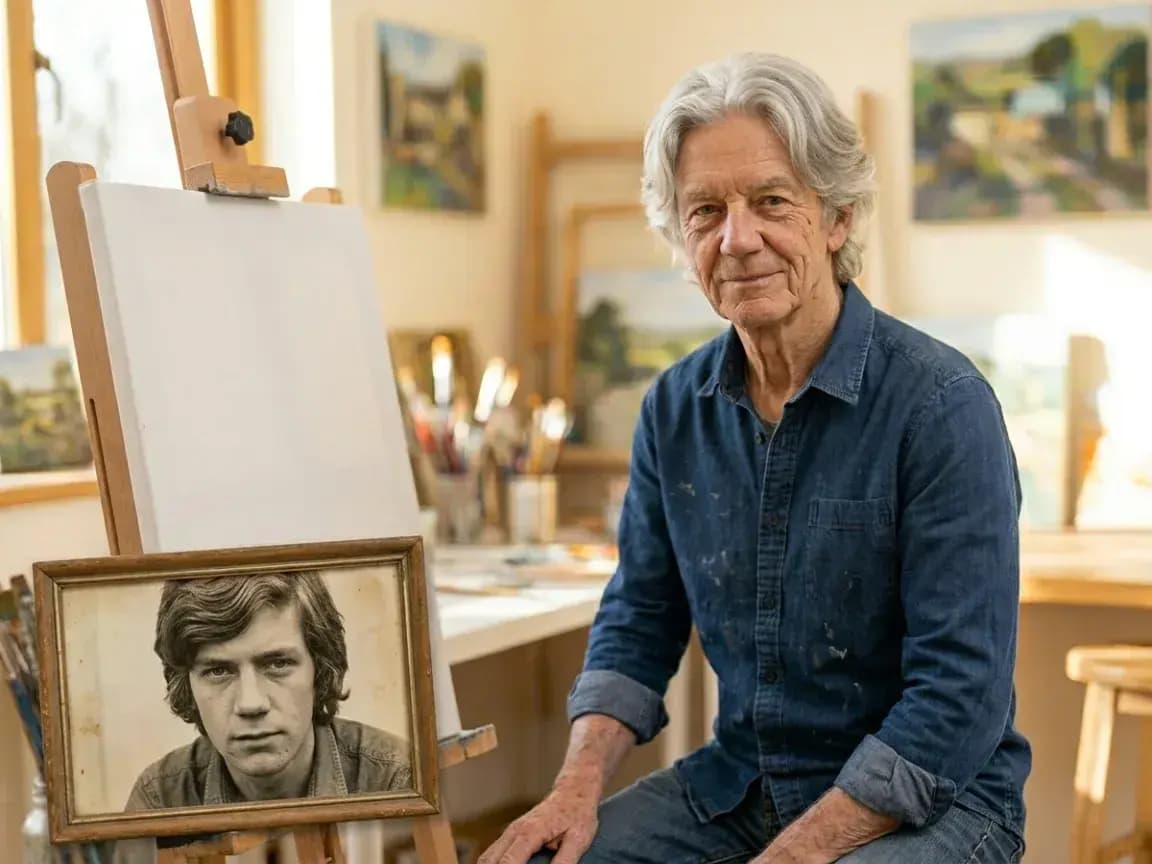
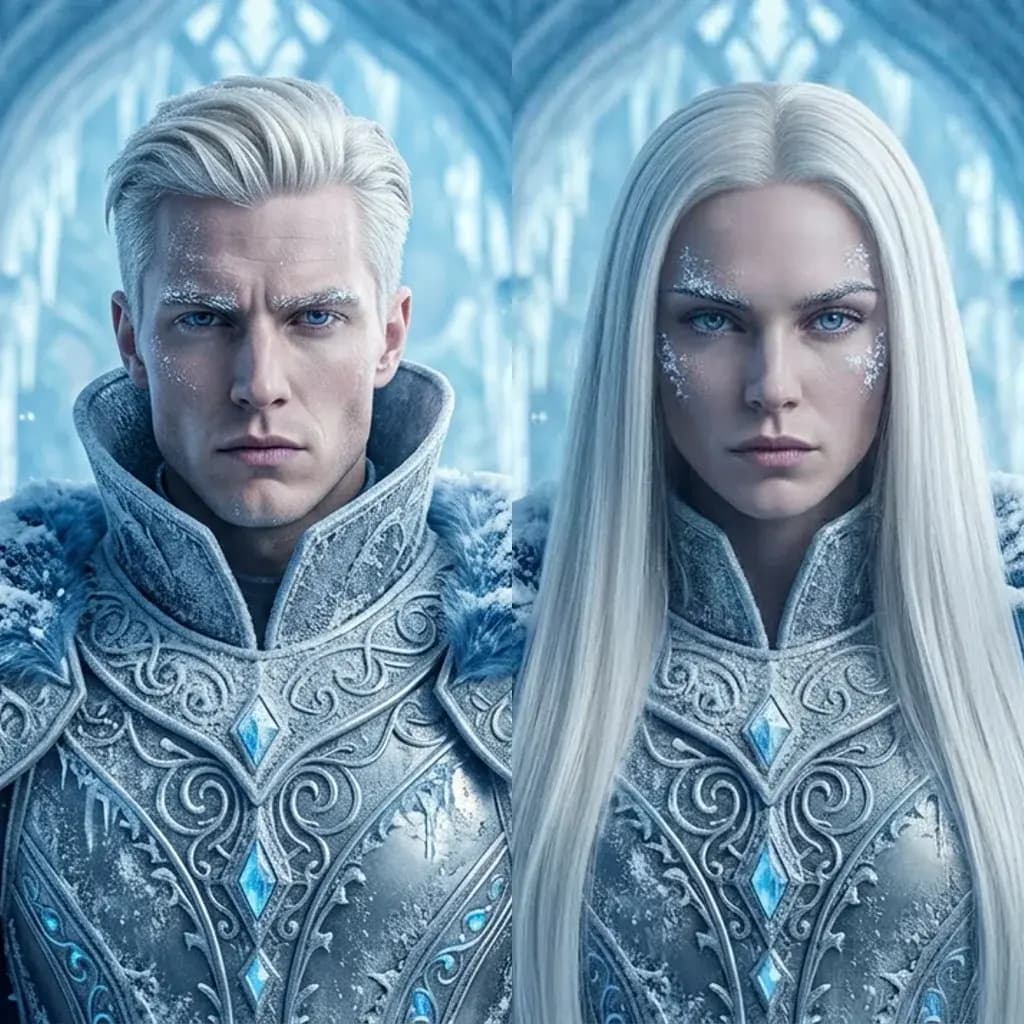
Artist beside a reference portrait for cinematic age previsualization

Cinematic Previsualization (Film & Entertainment)

Perfect for directors and casting agents who need to age characters for flash-forward sequences, time-lapse montages, or character development arcs. Generate hyper-realistic AI aging effects instantly, saving thousands of dollars on physical prosthetic makeup teams.

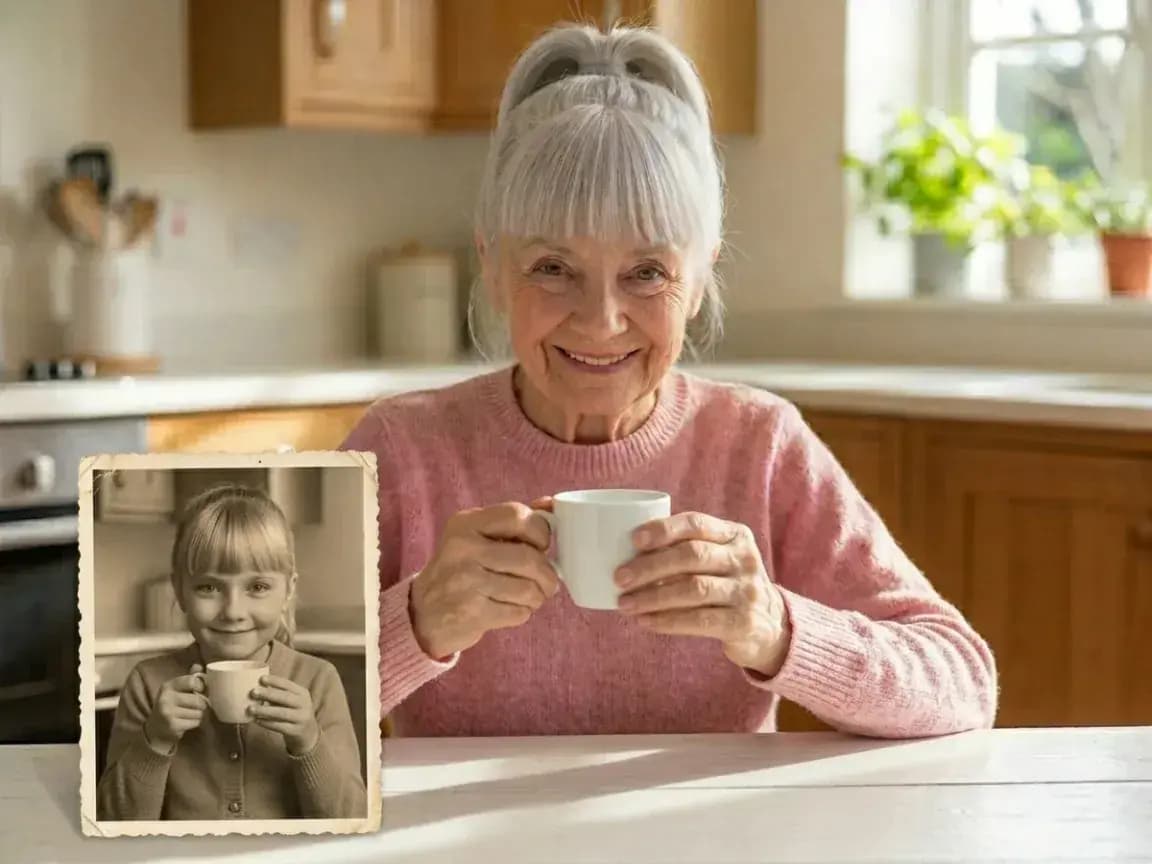
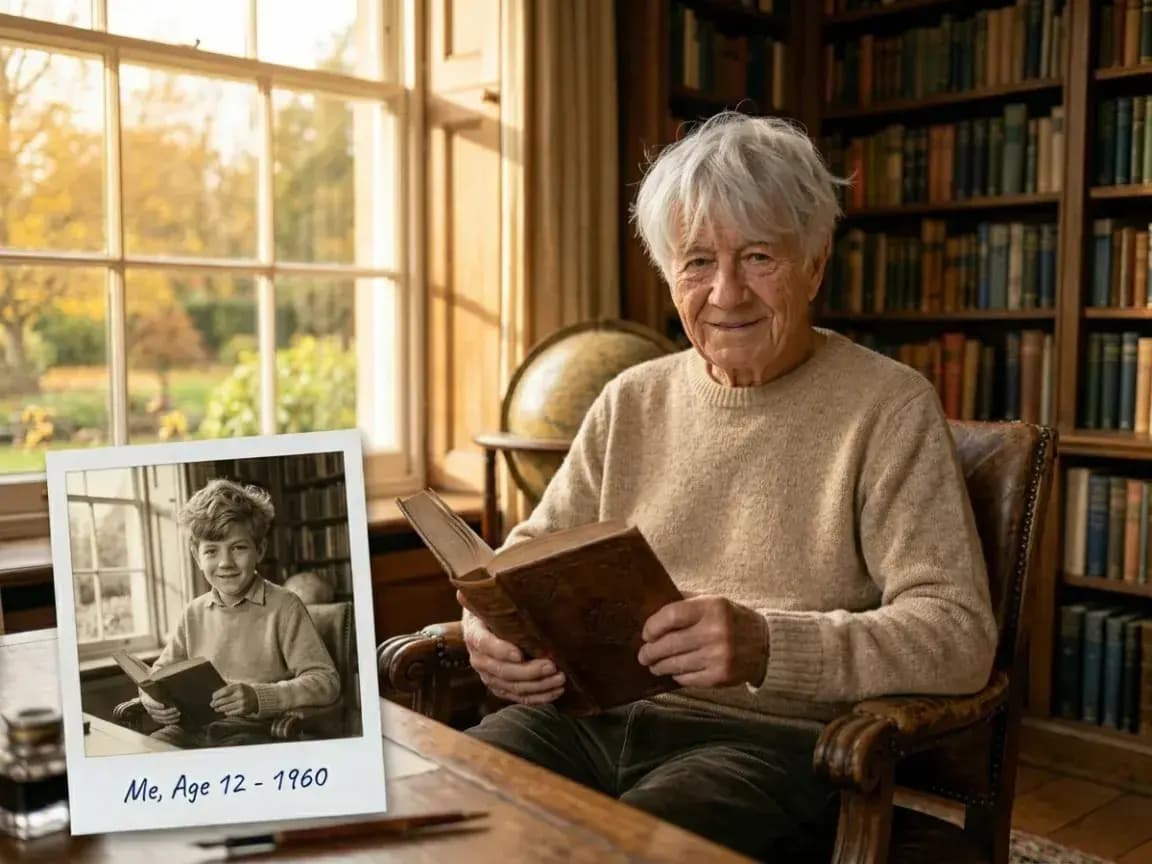
Woman holding a childhood portrait for a family history recreation

Ancestral Recreations (Family History & Genealogy)

Visualize how ancestors or distant family members might have looked at a chosen stage of life. Create target-age portraits to enrich genealogy presentations, educational archives, and memorial tributes.

Man with a childhood portrait illustrating a social media age transformation

Viral Audience Engagement (Social Media Content)

Equip digital creators with a precise tool for viral time-travel trends. Generate curiosity-driven posts that show a subject at a clearly selected target age.

Tool FAQ

Frequently Asked Questions (FAQ)

How the aging filter works, identity preservation, age ranges, repeat previews, and browser access.

Keep creating

Try another focused tool

View all tools