Nano Banana Bingo
Back to all tools

AI silhouette generator

AI Silhouette Maker

Create stunning, high-contrast art in seconds with our powerful silhouette maker. Whether you are a professional graphic designer, a social media manager looking to boost engagement, or simply a creative enthusiast, this silhouette maker is specifically designed to streamline your entire visual workflow. Forget about spending hours performing tedious manual masking, drawing complex vector paths, or using overly complicated editing software. With our advanced photo silhouette generator, you can instantly turn any clear photograph into a beautiful, crisp outline with zero technical skills required. Our platform makes it easier than ever.

One image in · One generated silhouette out · Nano Banana powered
AI silhouette generator

Upload your image

Add one clear image with a distinct main subject. The silhouette instructions are applied automatically.

Upload one clear image with a distinct main subject.

Reference images

0/1 images attached

Generation uses your Nano Banana credits. Sign in is required before starting.

Five simple steps

How to Use Our Silhouette Maker

Our interface is built for absolute speed, precision, and ultimate creative freedom. Powered by the highly advanced Nano Banana 2 model, our silhouette maker ensures flawless edge detection every single time. Here is how you can transform your images in just a few intuitive clicks:

  1. Step 01

    Upload Your Reference Image

    Start by uploading one clear image with a distinct main subject. Our silhouette maker seamlessly supports various standard formats. The better the contrast in your original photo, the faster the AI can isolate the subject.

  2. Step 02

    Select Your AI Model

    Ensure the Nano Banana 2 model is selected from the top dropdown menu for the most accurate and high-quality results.

  3. Step 03

    Customize Your Canvas Settings

    Open the "More settings" panel in the dashboard to gain absolute control over your canvas. You can choose from an incredible 15 different aspect ratios to perfectly match your project's needs. Options include match (original size), 1:1, 1:4, 1:8, 2:3, 3:2, 3:4, 4:1, 4:3, 4:5, 5:4, 8:1, 9:16, 16:9, and 21:9.

  4. Step 04

    Choose Resolution and Output Format

    Select your desired image quality from standard 1K, crisp 2K, or ultra-detailed 4K resolution. Then, pick either JPG or PNG as your final output format.

  5. Step 05

    Generate and Preview

    Click the generation button (which utilizes 2 credits per high-quality render). In just a few seconds, your finalized image will appear in the preview panel, ready to be saved and shared!

Form over detail

The Power of Silhouettes in Modern Design

Silhouettes have been a staple of visual art for centuries, and for good reason. They strip away unnecessary distractions, leaving only the pure, recognizable essence of a subject. When you use a silhouette maker, you are tapping into the psychological power of minimalism. A strong outline can convey intense emotion, dramatic action, and clear messaging much faster than a highly detailed photograph. By utilizing our silhouette generator online, you can effortlessly add this timeless, striking aesthetic to your modern digital projects, ensuring your work stands out in a crowded visual landscape. Every creator needs a reliable tool in their toolkit.

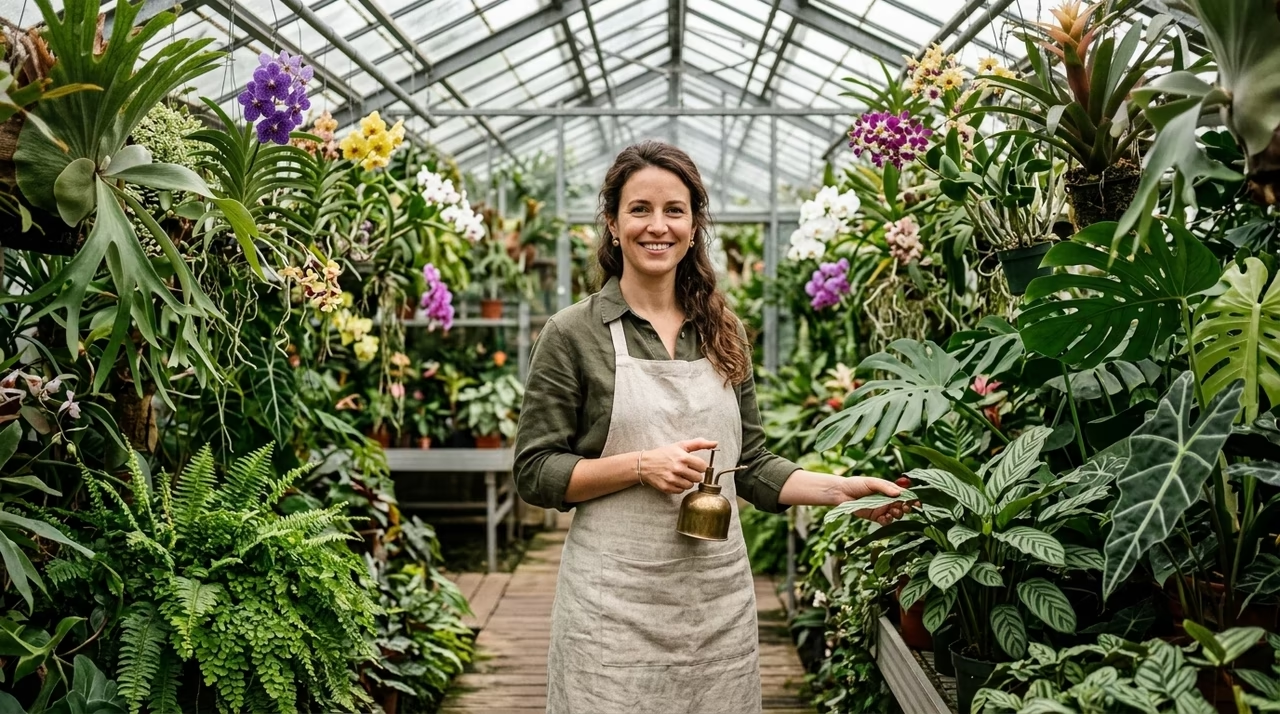
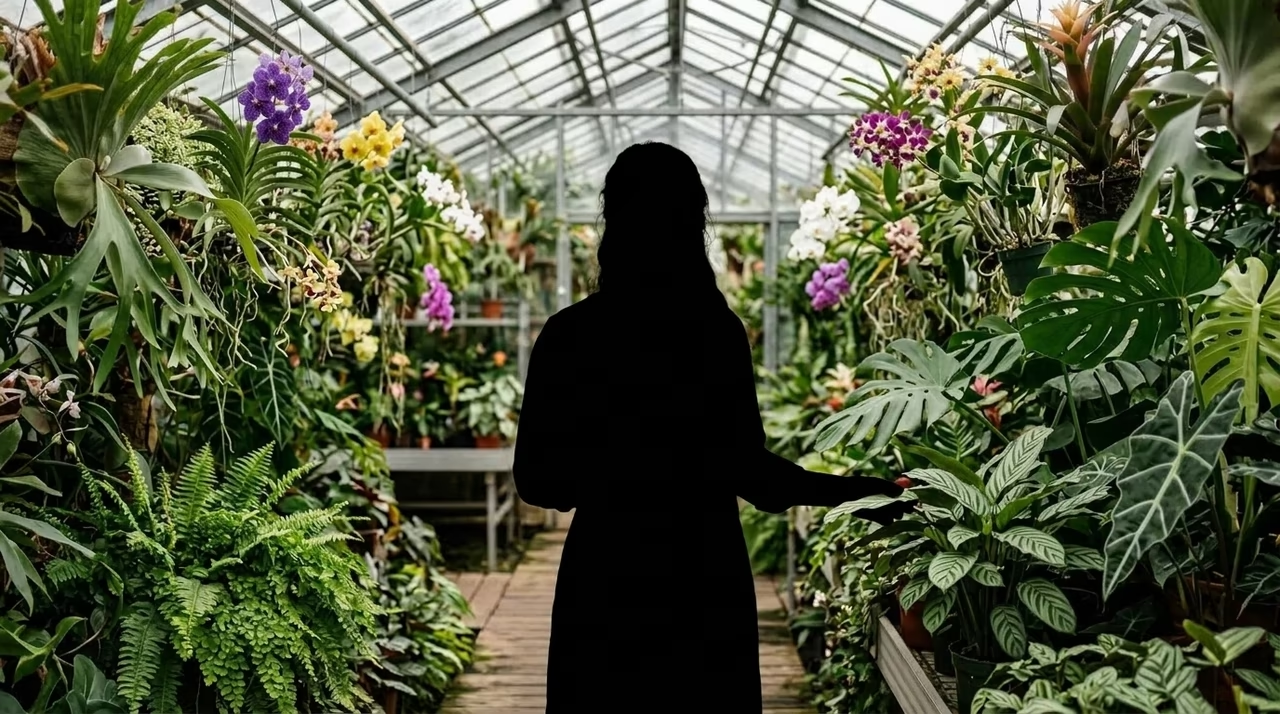
A greenhouse portrait transformed into a bold black silhouetteOriginalSilhouette

Drag the divider or use the arrow keys to compare the detailed original photo with its silhouette.

Creative applications

What Can You Create with This Silhouette Maker?

The versatility of our tool opens up a world of creative possibilities. Here are just a few ways our users are leveraging the platform:

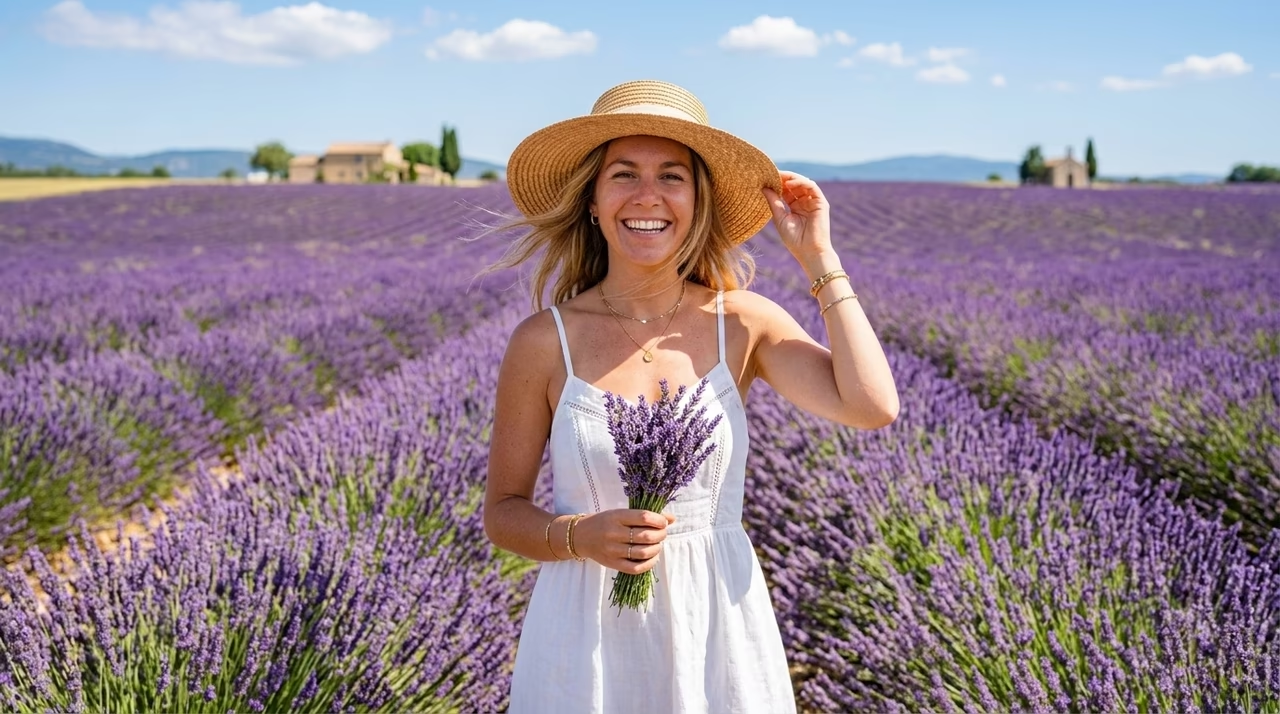
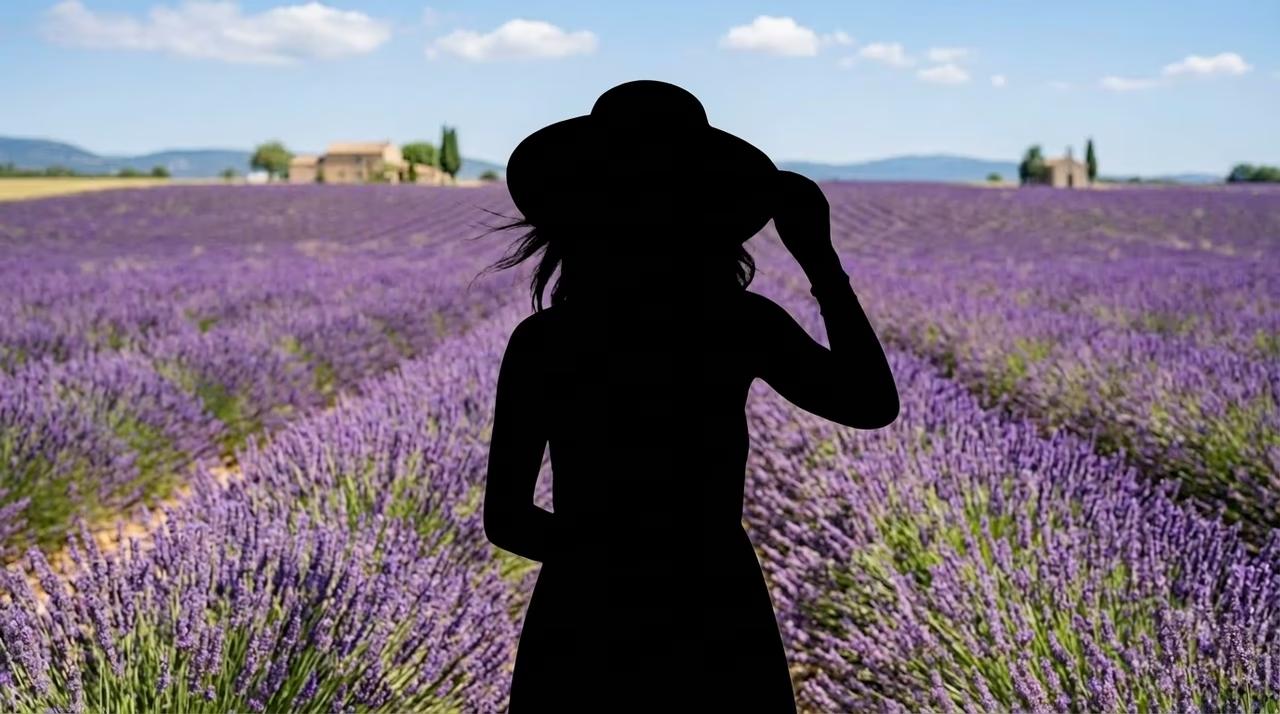
Portrait of a woman standing in a lavender field before silhouette conversionBefore
Woman in a lavender field converted into a clean black silhouetteAfter
Professional Logos and Brand Assets: Before and After silhouette comparison.

Professional Logos and Brand Assets

For business branding, our silhouette maker generates clean, precise outlines that are absolutely perfect for minimalist logos, business cards, and corporate graphic design projects. You achieve premium results without needing manual tracing skills.

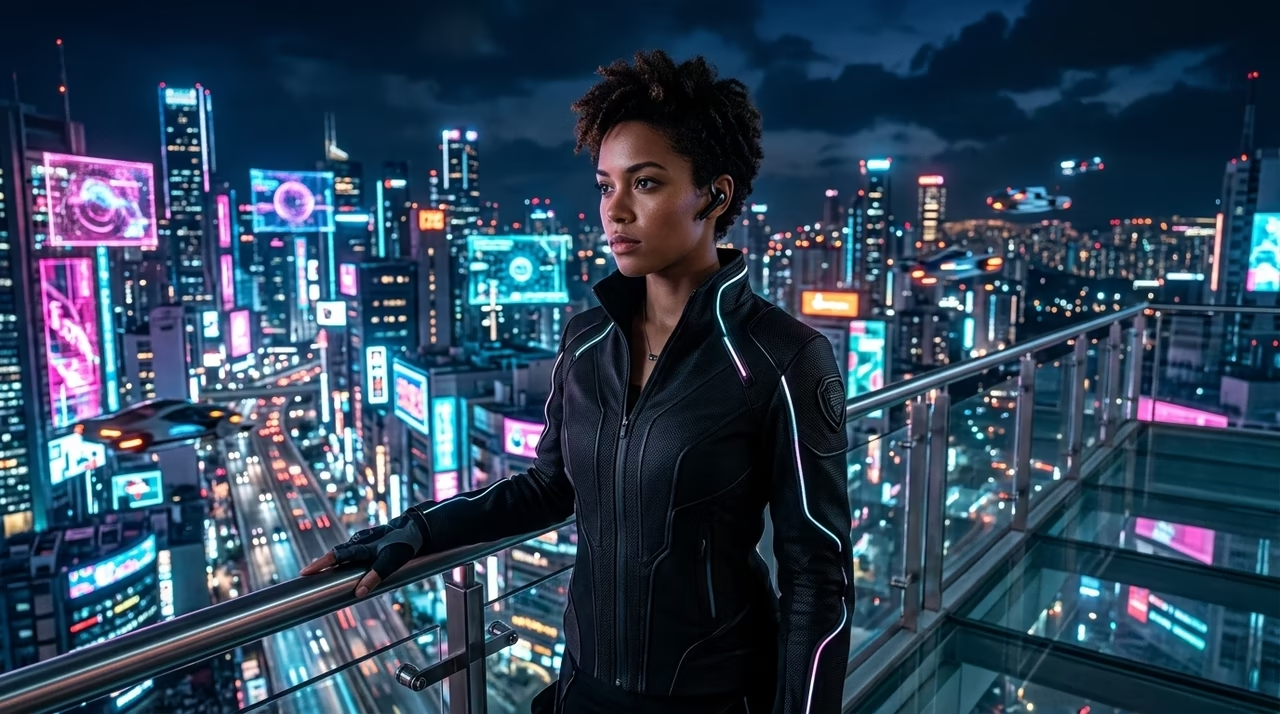
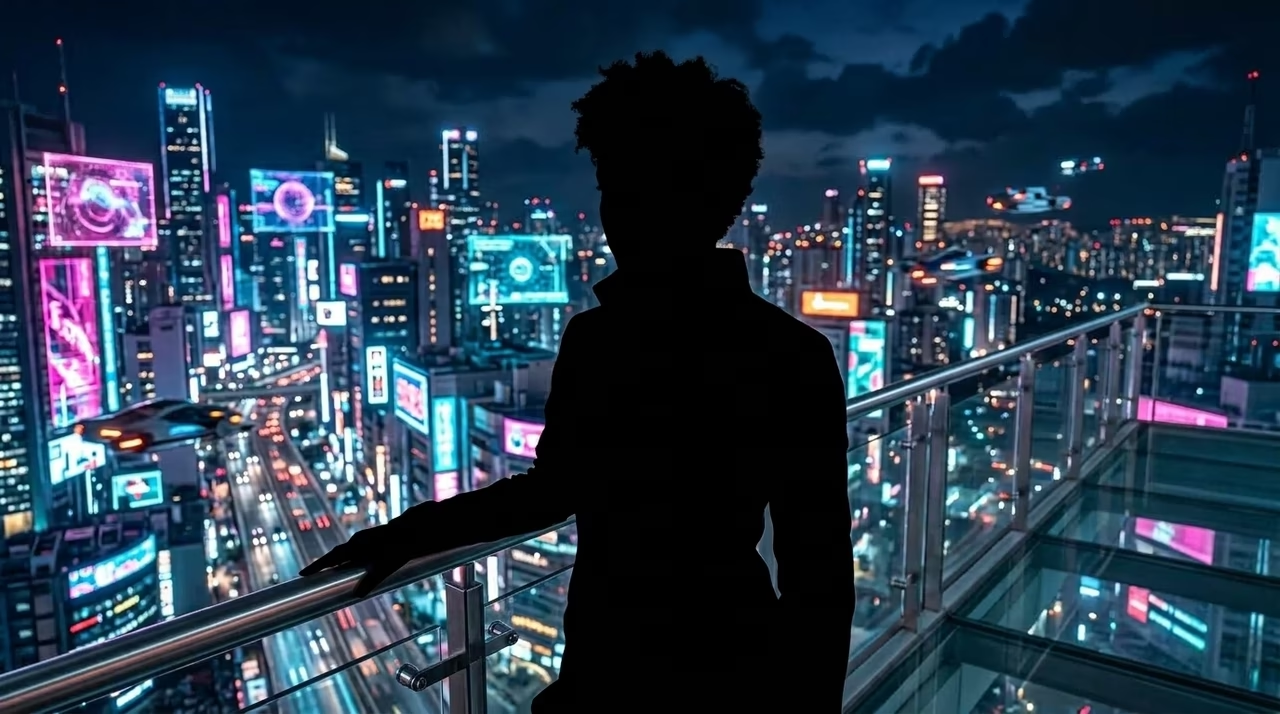
Cyberpunk portrait before silhouette conversionBefore
Cyberpunk portrait converted into a black silhouetteAfter
Print-on-Demand Merchandise: Before and After silhouette comparison.

Print-on-Demand Merchandise

Easily create striking designs for t-shirts, mugs, tote bags, and posters. The 4K resolution output ensures your designs remain crystal clear, even when printed on large physical products.

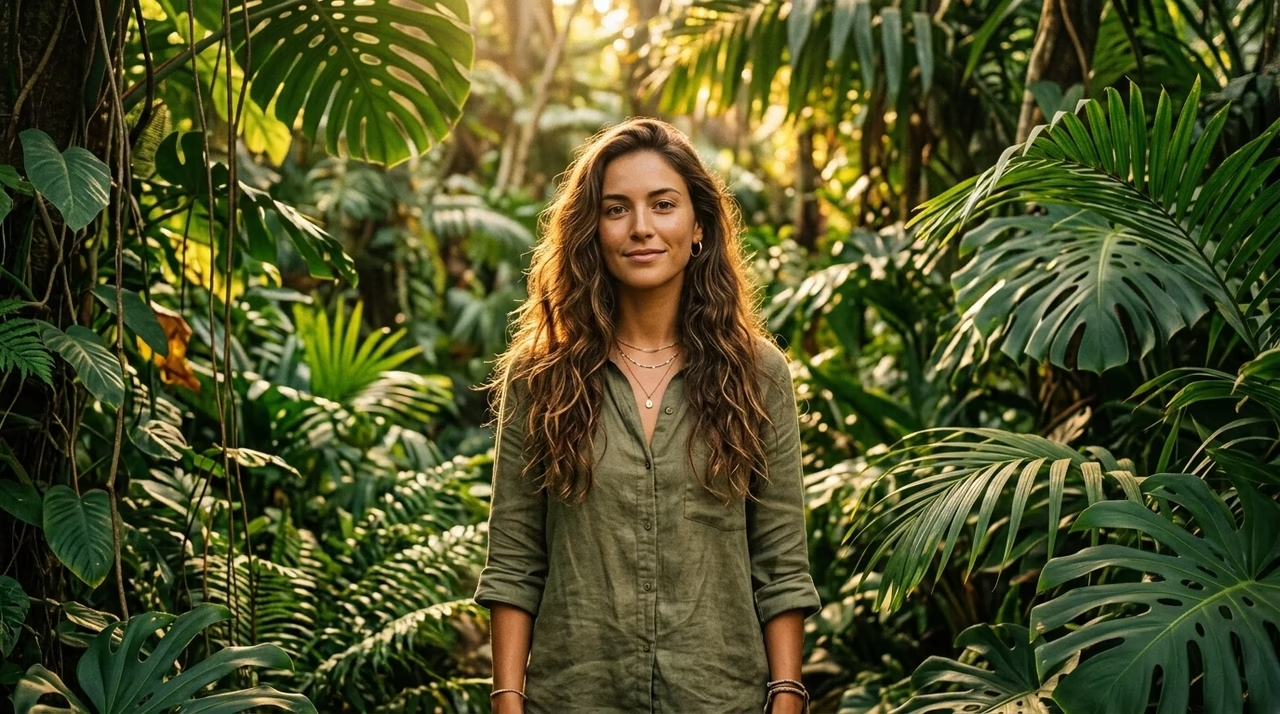
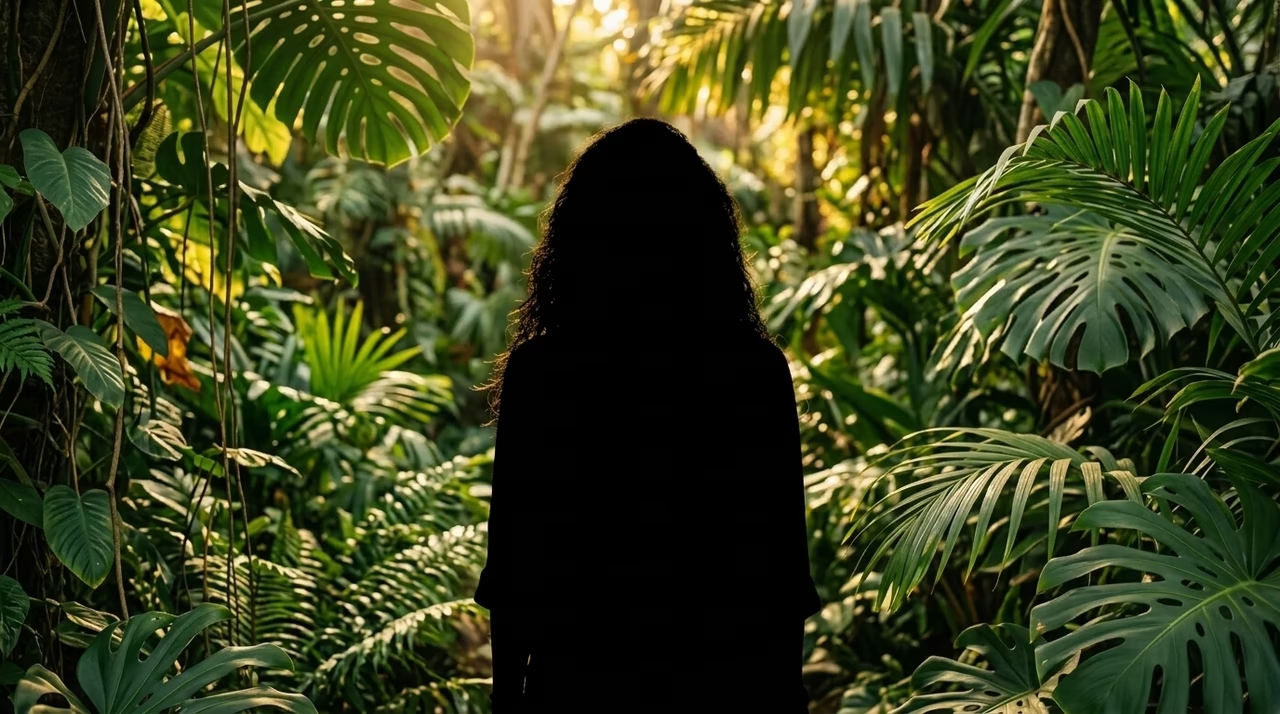
Jungle portrait before silhouette conversionBefore
Jungle portrait converted into a black silhouetteAfter
Stunning Social Media Content: Before and After silhouette comparison.

Stunning Social Media Content

Design eye-catching visuals and dynamic action poses for Instagram, TikTok, and Pinterest. This silhouette generator free tool helps you create viral content with incredibly high visual impact that stops scrollers in their tracks.

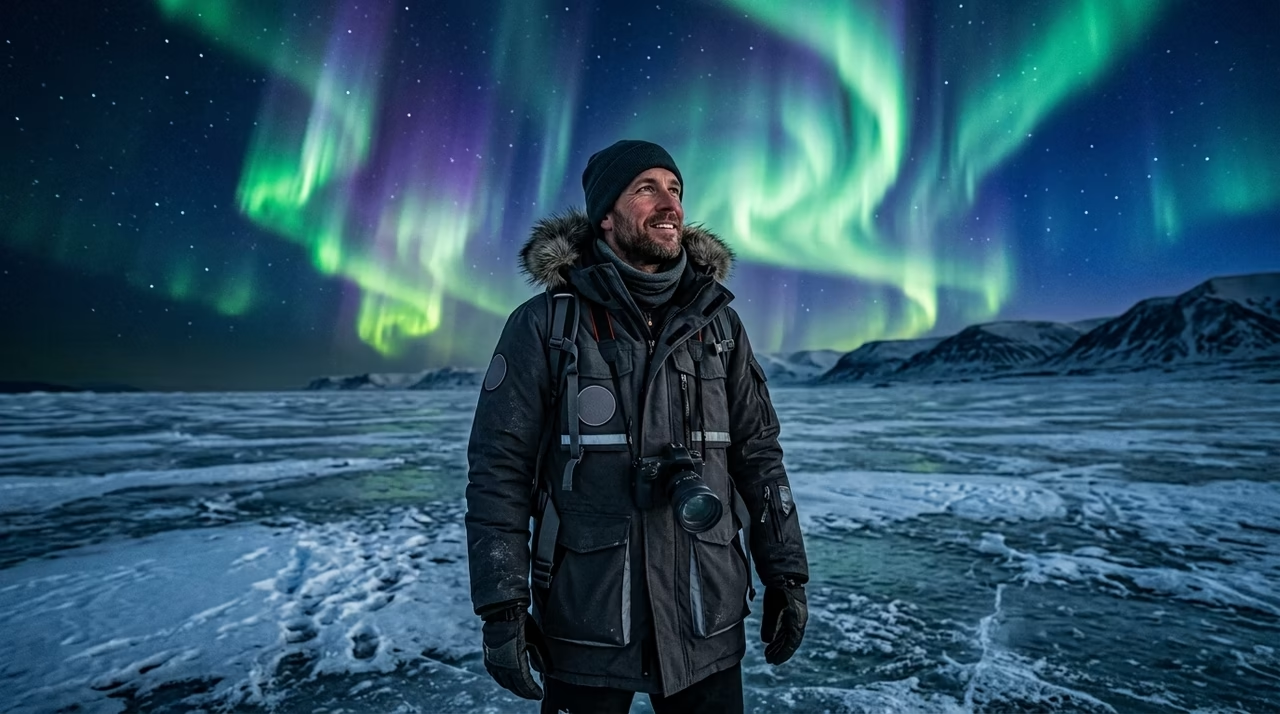
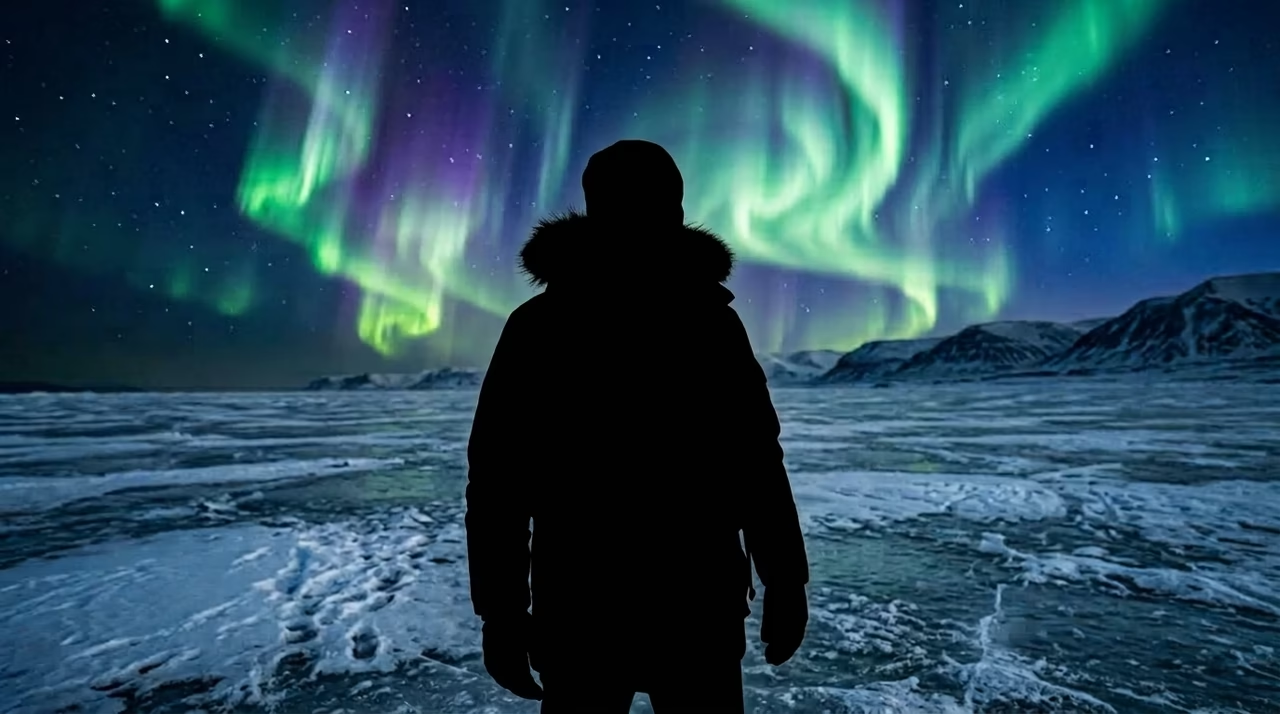
Travel portrait beneath the northern lights before silhouette conversionBefore
Northern lights portrait converted into a black silhouetteAfter
Digital Scrapbooking and Presentations: Before and After silhouette comparison.

Digital Scrapbooking and Presentations

Add unique visual flair to your personal scrapbooks or professional PowerPoint presentations. Clean outlines help maintain a cohesive, polished look across all your slides.

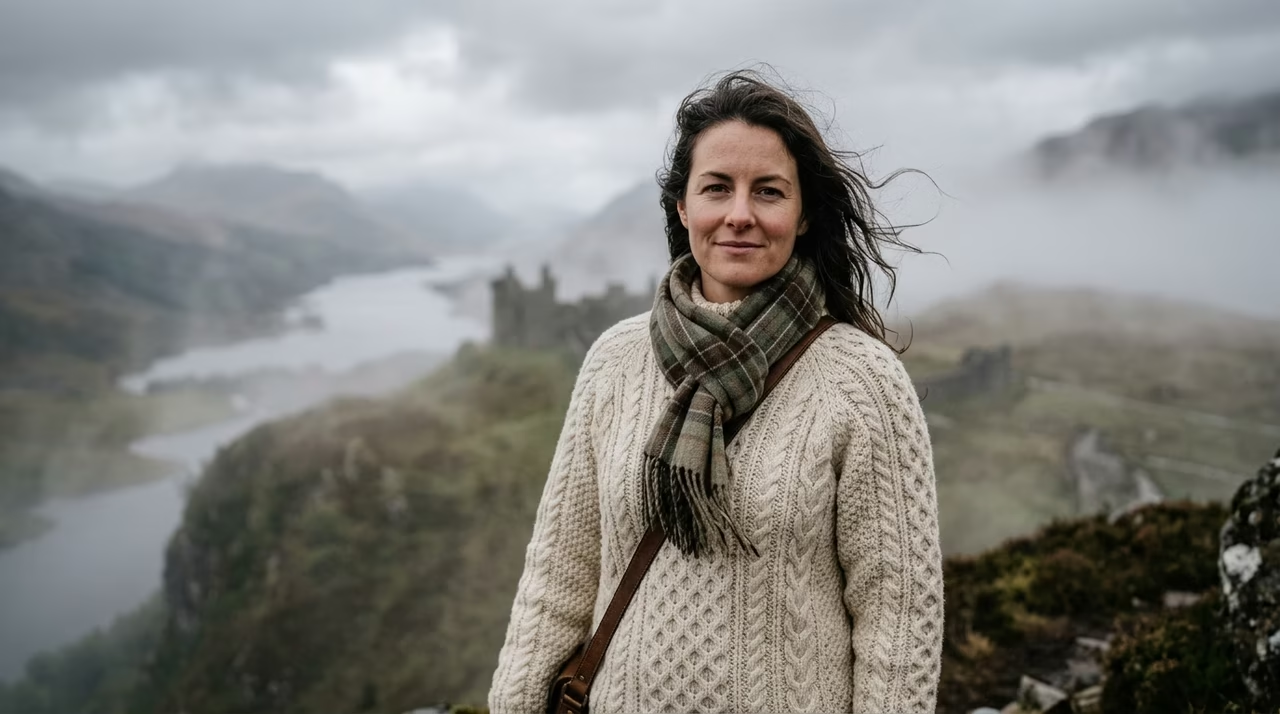
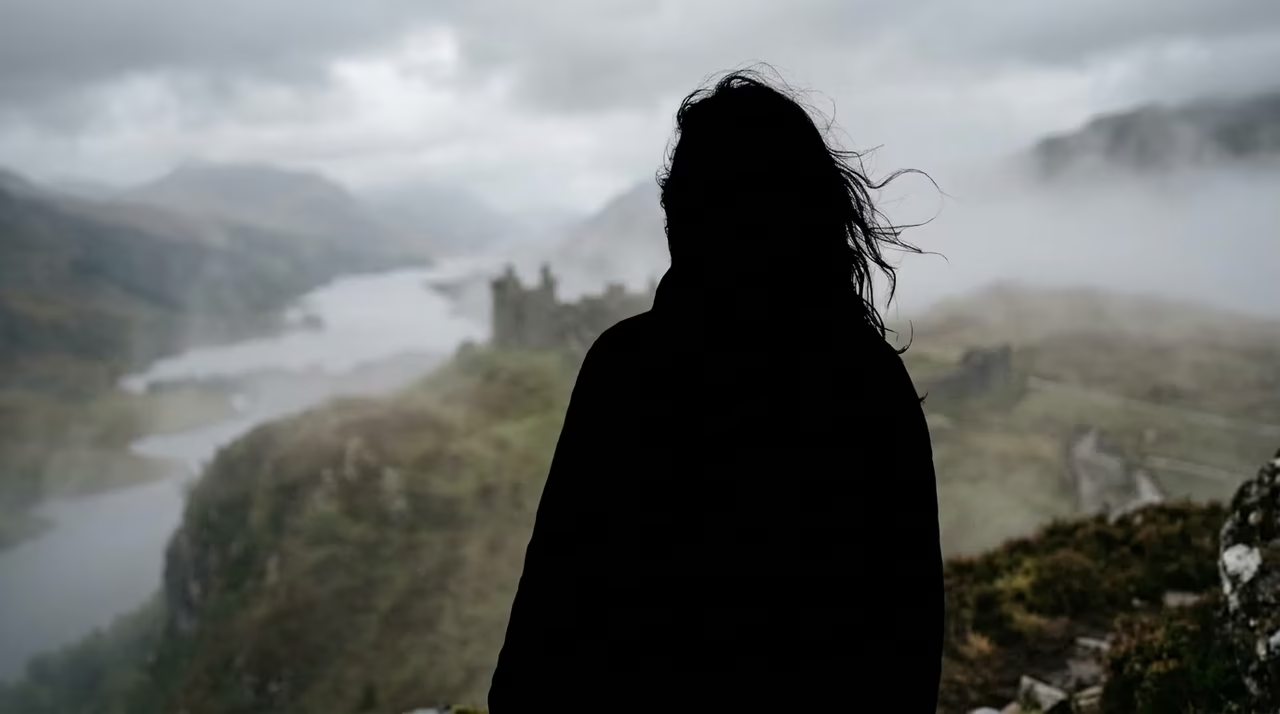
Personal portrait in a misty mountain landscape before silhouette conversionBefore
Mountain portrait converted into a timeless black silhouetteAfter
Wedding, Family, and Personal Portraits: Before and After silhouette comparison.

Wedding, Family, and Personal Portraits

Turn your favorite family photos, couple shots, and wedding snapshots into timeless art pieces. A high-resolution output from our platform is perfect for personalized home decor, framed prints, or custom greeting cards.

Built for better results

Why Our Silhouette Maker Stands Out

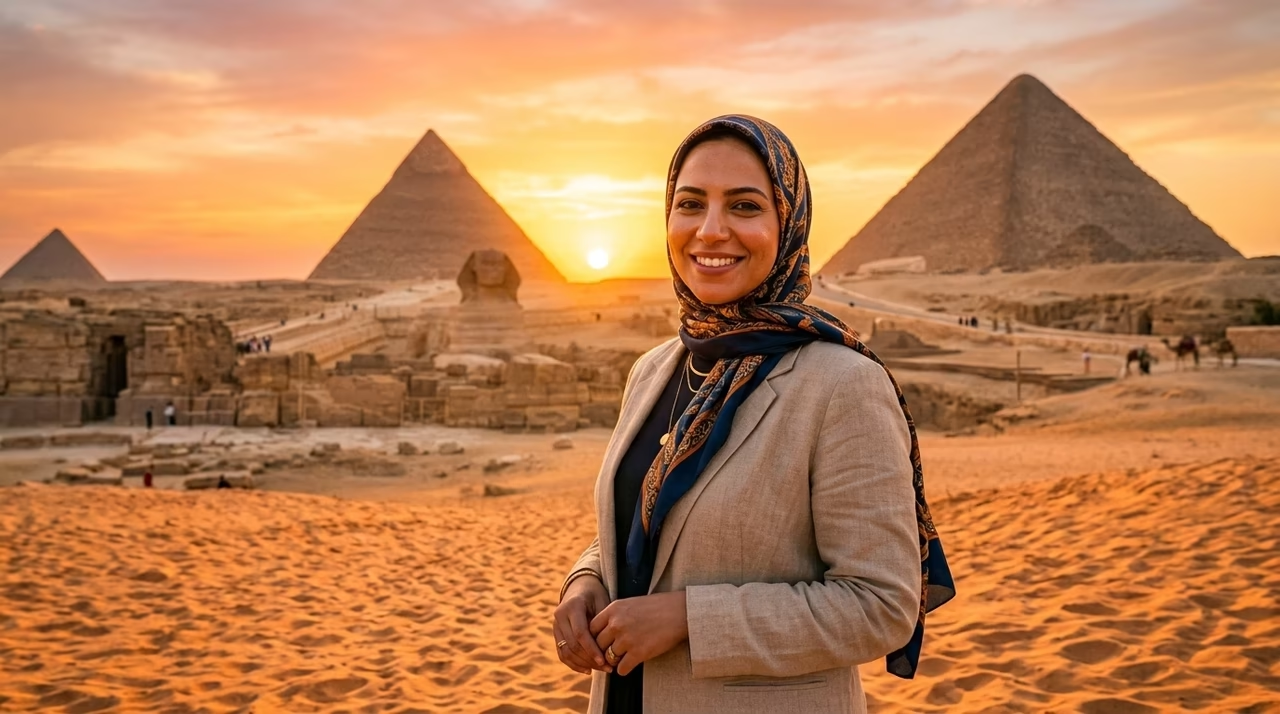
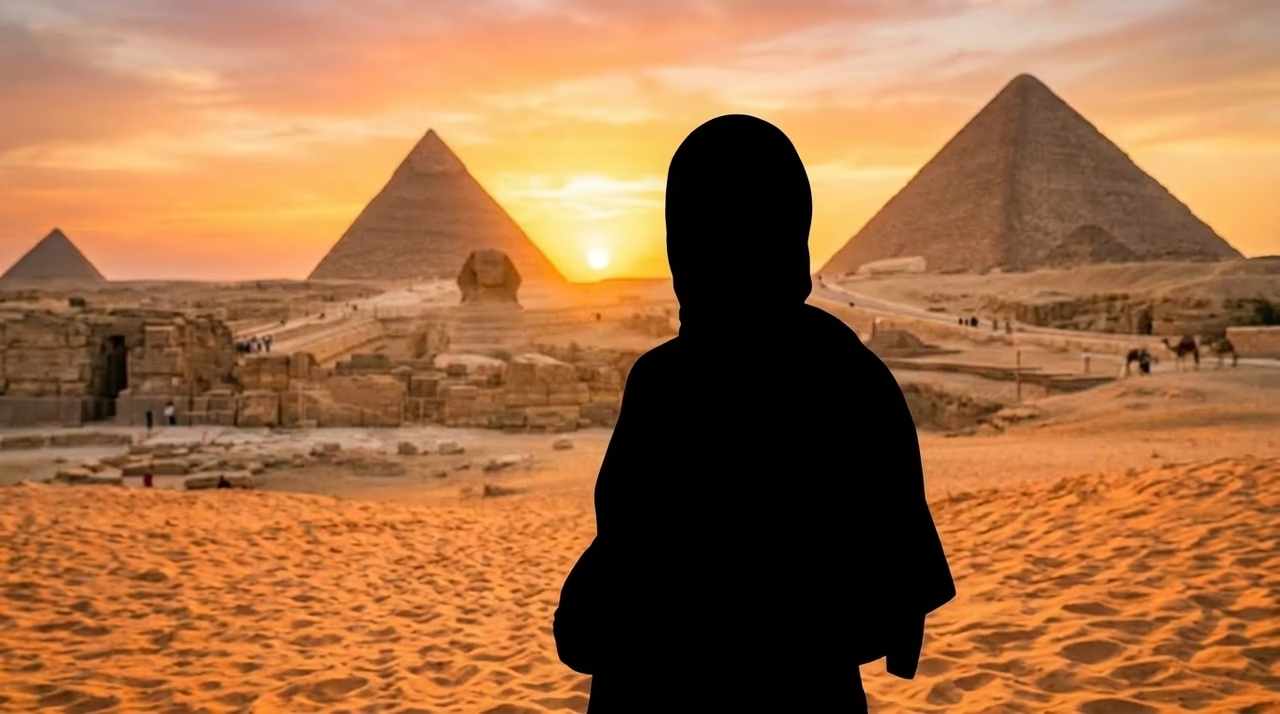
Portrait near the Egyptian pyramids before silhouette conversionBefore
Pyramid portrait converted into a clean black silhouetteAfter
Clean, Precise Edges: Before and After silhouette comparison.

Clean, Precise Edges

Driven by the Nano Banana 2 engine, our AI automatically extracts accurate outlines from any photo, capturing complex details like hair, clothing folds, and dynamic postures effortlessly.

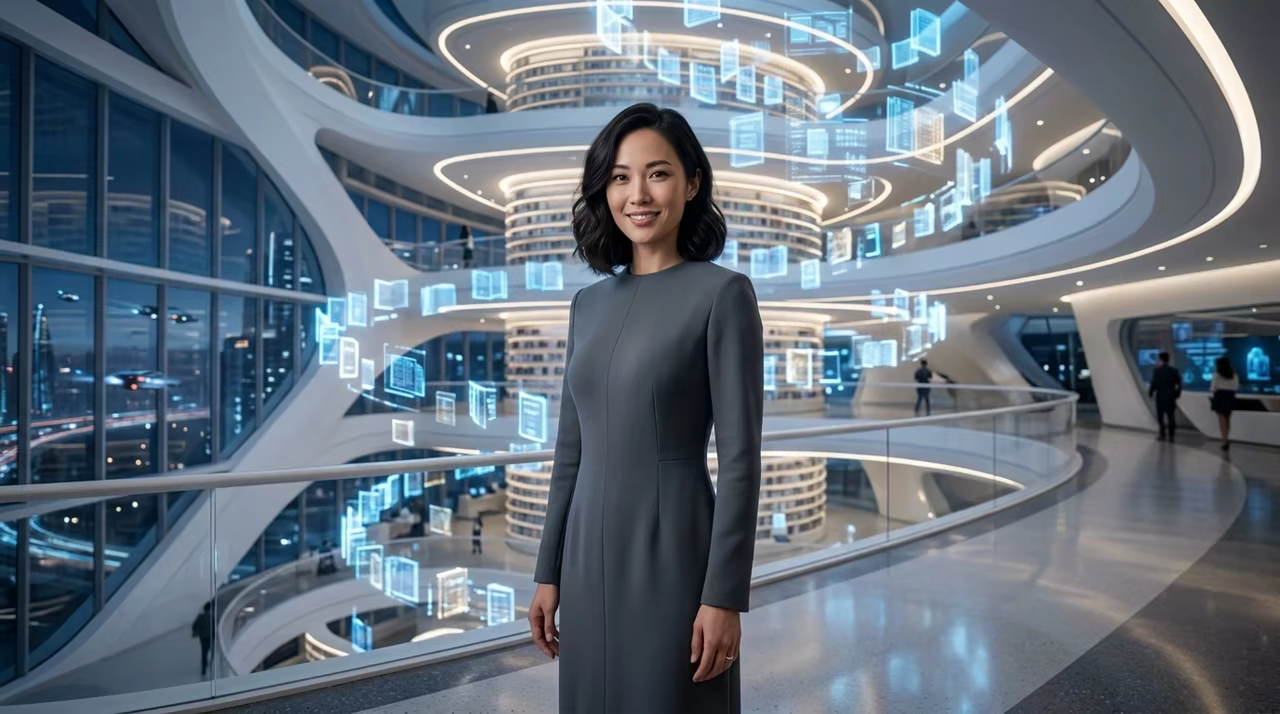
Portrait of a woman in a futuristic atrium before silhouette conversionBefore
Woman in a futuristic atrium converted into a precise black silhouetteAfter
Ultimate Creative Control: Before and After silhouette comparison.

Ultimate Creative Control

Unlike a basic silhouette generator, we give you professional-grade options. With ultra-detailed 4K resolution support and 15 unique aspect ratios, your art is always perfectly framed and export-ready.

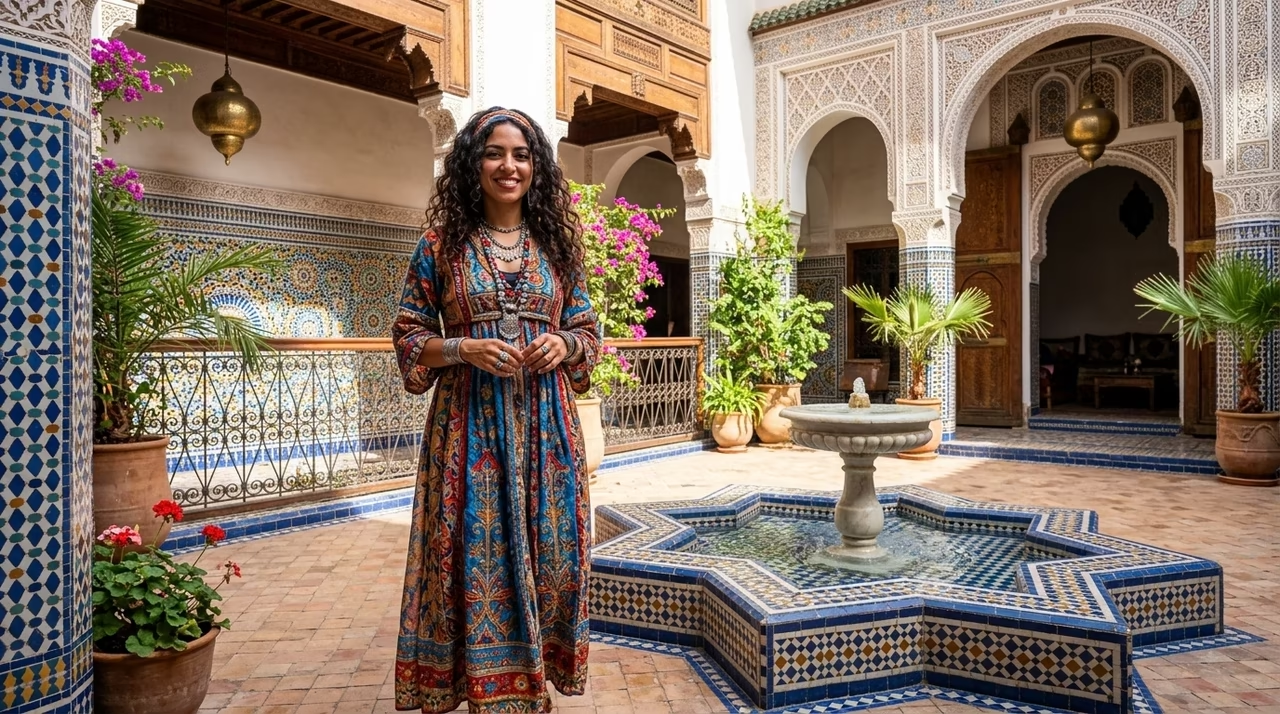
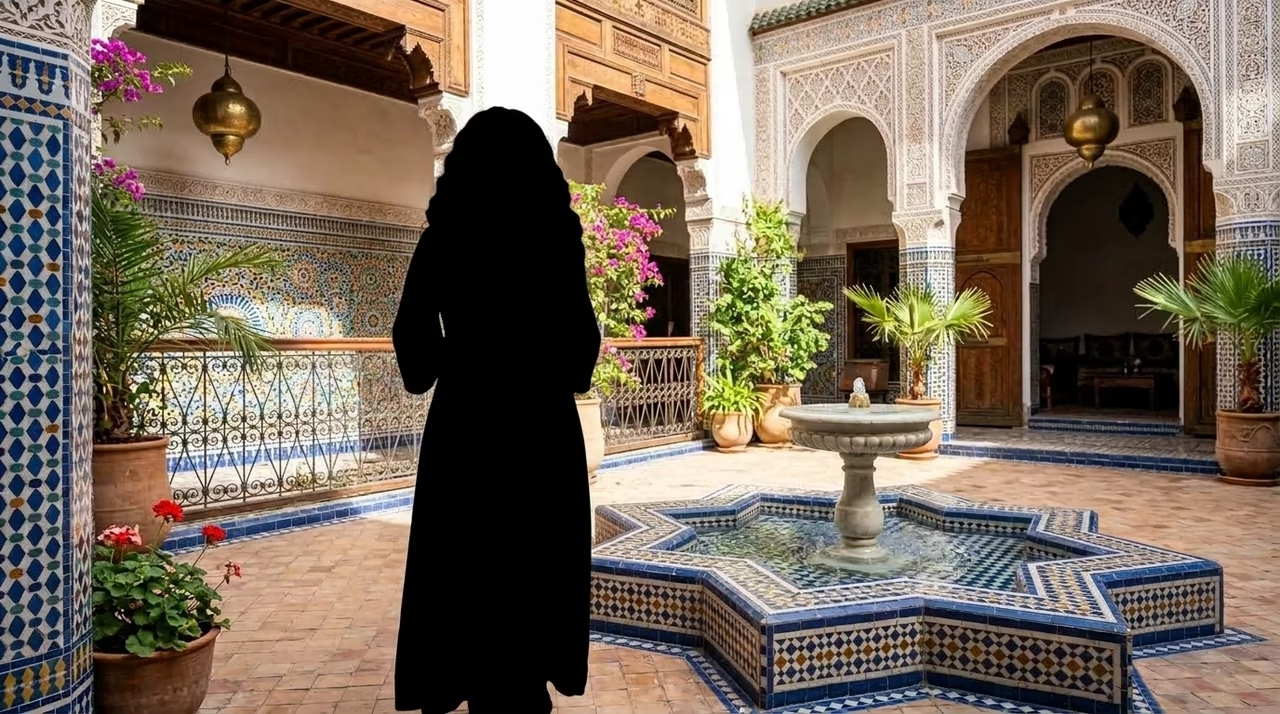
Courtyard portrait before silhouette conversionBefore
Courtyard portrait converted into a black silhouetteAfter
Fast and Accessible: Before and After silhouette comparison.

Fast and Accessible

As a top-tier silhouette maker, everything is processed directly in your web browser. No heavy software downloads, expensive subscriptions, or complicated installations are required.

Trusted by creative professionals

Reviews from Users Who Have Tried Our Silhouette Maker

Liam C. profile portraitLiam C.Brand Identity Designer
5.0
“This silhouette maker has drastically sped up my logo design process. The AI accurately captures the exact outlines I need for minimalist branding, even when dealing with complex subjects. It is incredibly precise and saves me hours of manual tracing.”
Ava P. profile portraitAva P.Portrait Photographer
5.0
“I love offering custom silhouette art as an add-on for my clients! I simply upload their side profiles into this silhouette generator online, and it instantly gives me a flawless, printable masterpiece with perfectly clean edges.”
Noah E. profile portraitNoah E.Digital Marketer
5.0
“Creating high-contrast, scroll-stopping graphics for ad campaigns used to take forever. Now, I use this photo silhouette generator to create striking visual elements that immediately grab attention on social media feeds.”
Isabella G. profile portraitIsabella G.Apparel & Merch Designer
5.0
“The 4K PNG export feature is an absolute lifesaver for t-shirt printing. I use this silhouette maker daily to turn regular photographs into crisp, solid shapes that are perfectly ready for my merchandise store.”
Mason F. profile portraitMason F.Vector Artist
5.0
“I am completely blown away by the edge detection technology here. Even with tricky elements like flowing hair or foliage, this silhouette generator free tool creates incredibly clean borders without the jagged pixels you get from other online editors.”
Zoe H. profile portraitZoe H.Lifestyle Vlogger
5.0
“I actually use these cutouts for my YouTube video thumbnails! This silhouette maker gives my channel that dramatic, high-end aesthetic, and the best part is I don't even need to open any heavy photo editing software to do it.”

Seven common questions

Frequently Asked Questions (FAQs)

What is a silhouette?

A silhouette is a visually striking image that shows a subject—like a person, animal, landscape, or object—as a solid, dark shape set against a brighter, contrasting background. It is a timeless visual art form widely used in photography, illustration, and graphic design to convey mood and shape.

How does the AI silhouette maker work?

Our silhouette maker uses advanced computer vision and deep learning (specifically the Nano Banana 2 model) to identify the main subject in your uploaded image. It intelligently separates the subject from the background, creating a perfectly clean, solid shape automatically and instantaneously.

Will the result resemble the original subject?

Yes, absolutely! The silhouette generator meticulously preserves the exact main contours and physical shapes of your subject. This ensures that the generated image perfectly reflects the original person or object's true outline and proportions.

What are the image requirements for the tool?

For the absolute best results, please upload one clear image with a distinct main subject. Photos with good contrast between the subject and the background yield the fastest and sharpest outlines.

Can I control the size and quality of my image?

Yes, you have total control. In the "More settings" panel, you can choose from 15 different aspect ratios ranging from 1:1 to 21:9. You can also select 1K, 2K, or 4K resolution and export your final file as a high-quality JPG or PNG.

How much does it cost to use the tool?

Creating a high-quality outline uses only 2 credits per generation. You can easily test the basic features as a silhouette generator free user by signing in and claiming your initial complimentary credits.

Can I use these images commercially?

Yes! Once you generate an image using our silhouette maker, you can confidently use the high-resolution exports for professional graphic design, merchandise creation, brand logos, and commercial social media campaigns without any worry.

Keep creating

Try another focused tool

View all tools