Nano Banana Bingo
Back to all tools

AI holiday portrait studio

AI Christmas Photo Generator

Turn a prompt into warm, festive holiday photos—cozy rooms, twinkling lights, winter streets, matching sweaters, and more. Set size and quality in the AI Christmas Photo Generator, then preview and download.

ai christmas photo · christmas photo · holiday portrait

AI holiday portrait studio

Create your Christmas photo

Write a prompt, choose a holiday scene, and tune the size, aspect ratio, and output settings.

Optional: upload one image to guide the subject, pose, and composition.

Reference images

0/1 images attached

Holiday scene

Generation uses your Nano Banana credits. Sign in is required before starting.

Holiday Looks

Create AI Christmas photos in seconds with nano banana bingo’s AI Christmas Photo Generator. Choose cozy living rooms, snowy backdrops, Santa outfits, and twinkling tree lights—powered by the nano banana model.

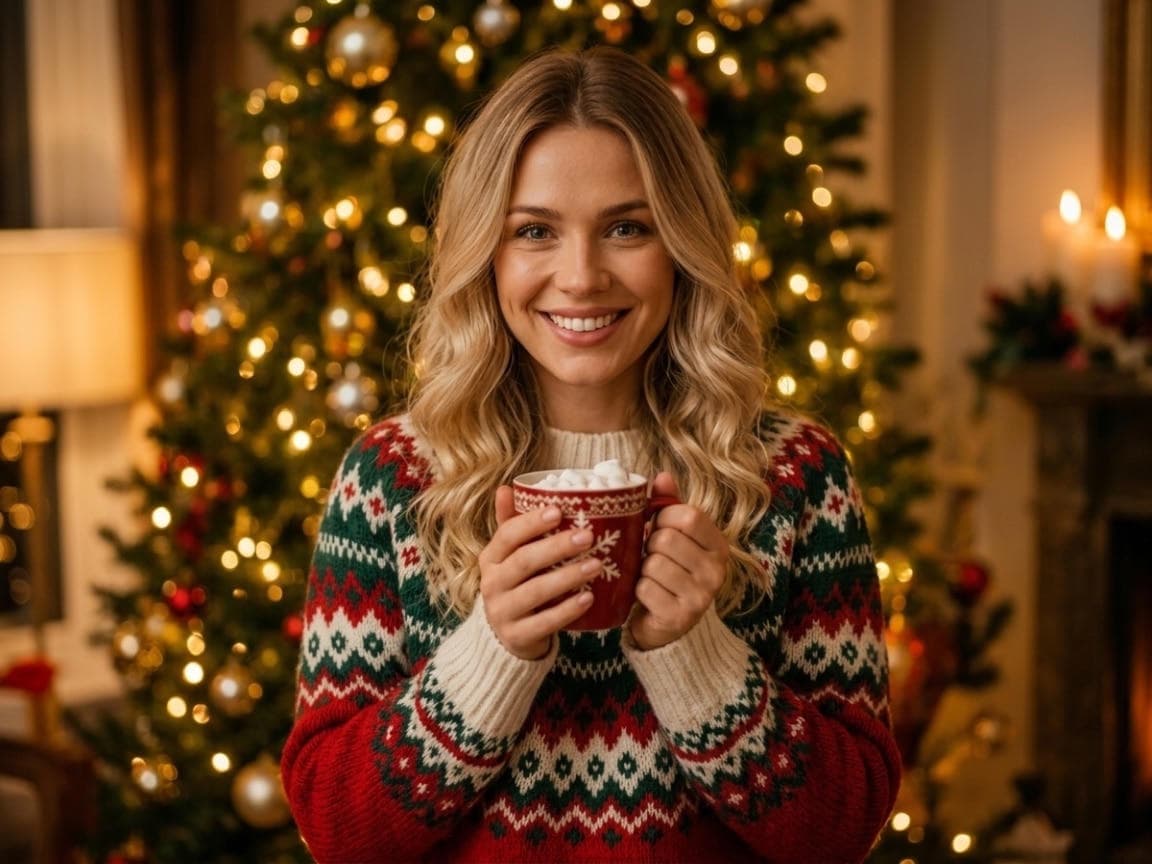
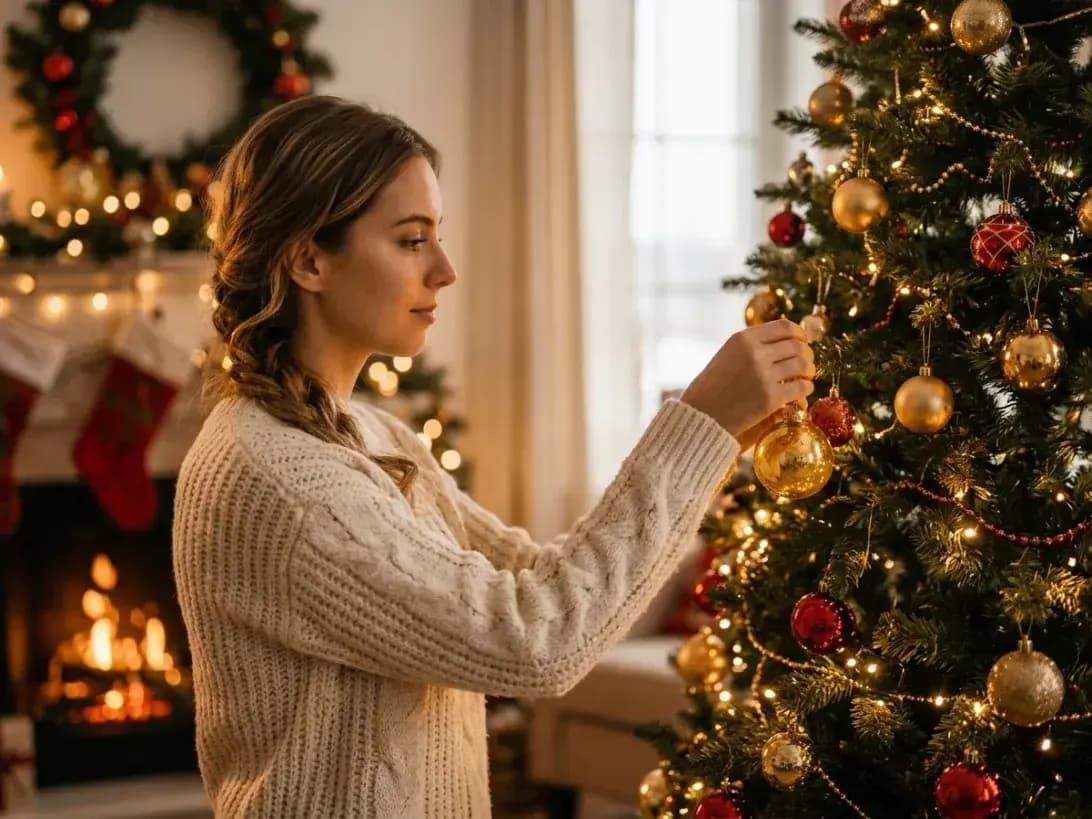
Woman in a cream sweater decorating a lit Christmas tree beside a glowing fireplace.Tree · Women

Tree Portraits

Warm fireplace glow and tree-light bokeh.

Smiling man in a green sweater seated beside a lit Christmas tree and fireplace.Tree · Men

Sweater Season

Natural skin tones, soft winter lighting.
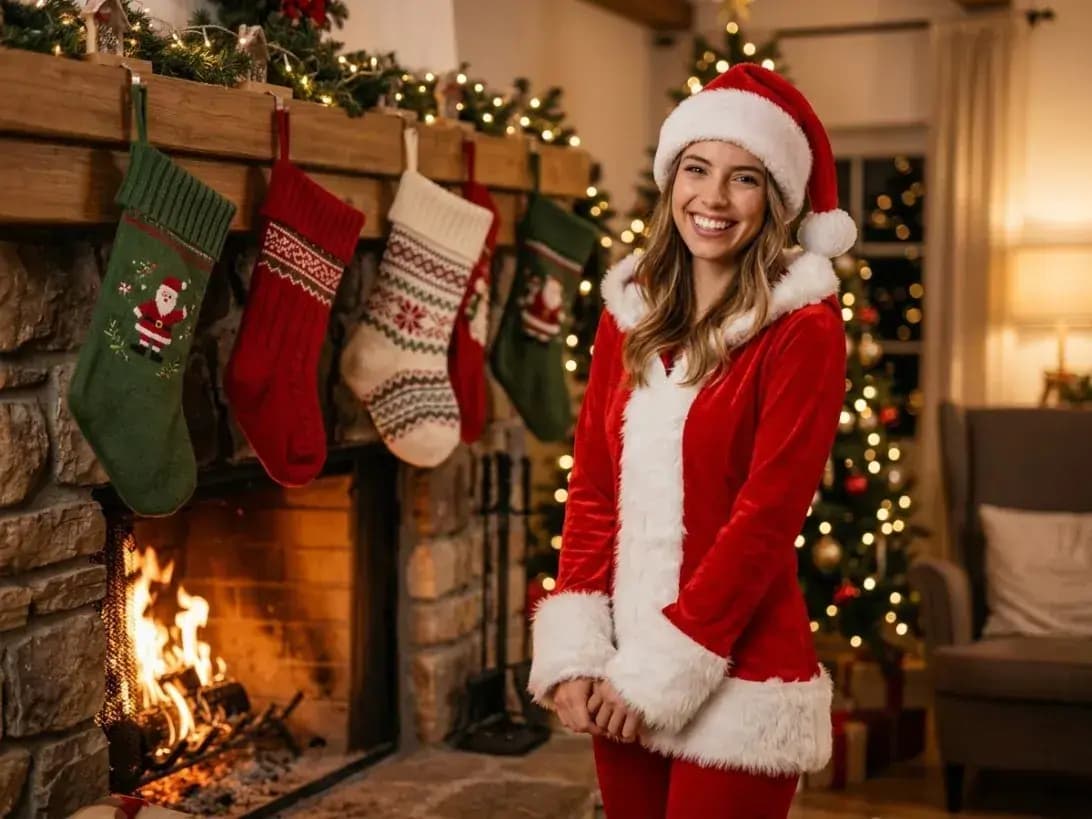
Smiling woman in a Santa outfit beside a fireplace and Christmas stockings.Santa Outfit · Women

Santa Vibes

Playful styling with crisp, clean colors.

Smiling man in a Santa outfit holding hot chocolate beside a lit Christmas tree.Santa Outfit · Men

Elf & Reindeer

Festive outfits, soft focus highlights.
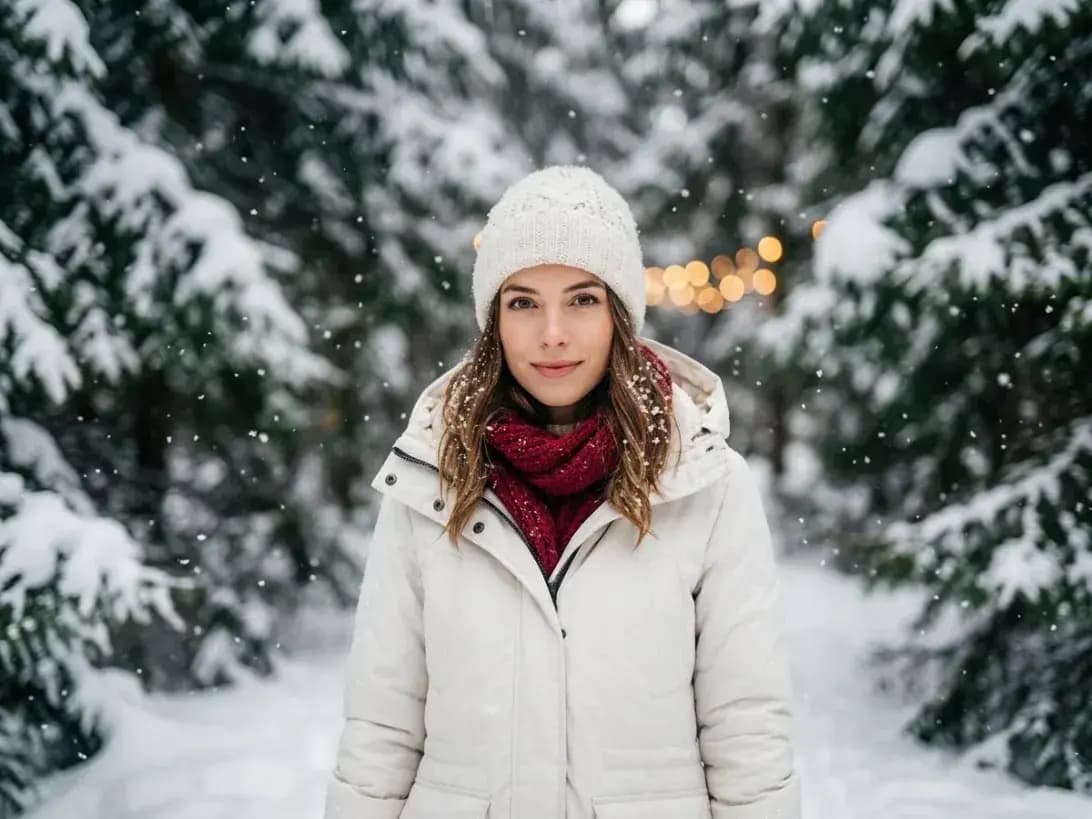
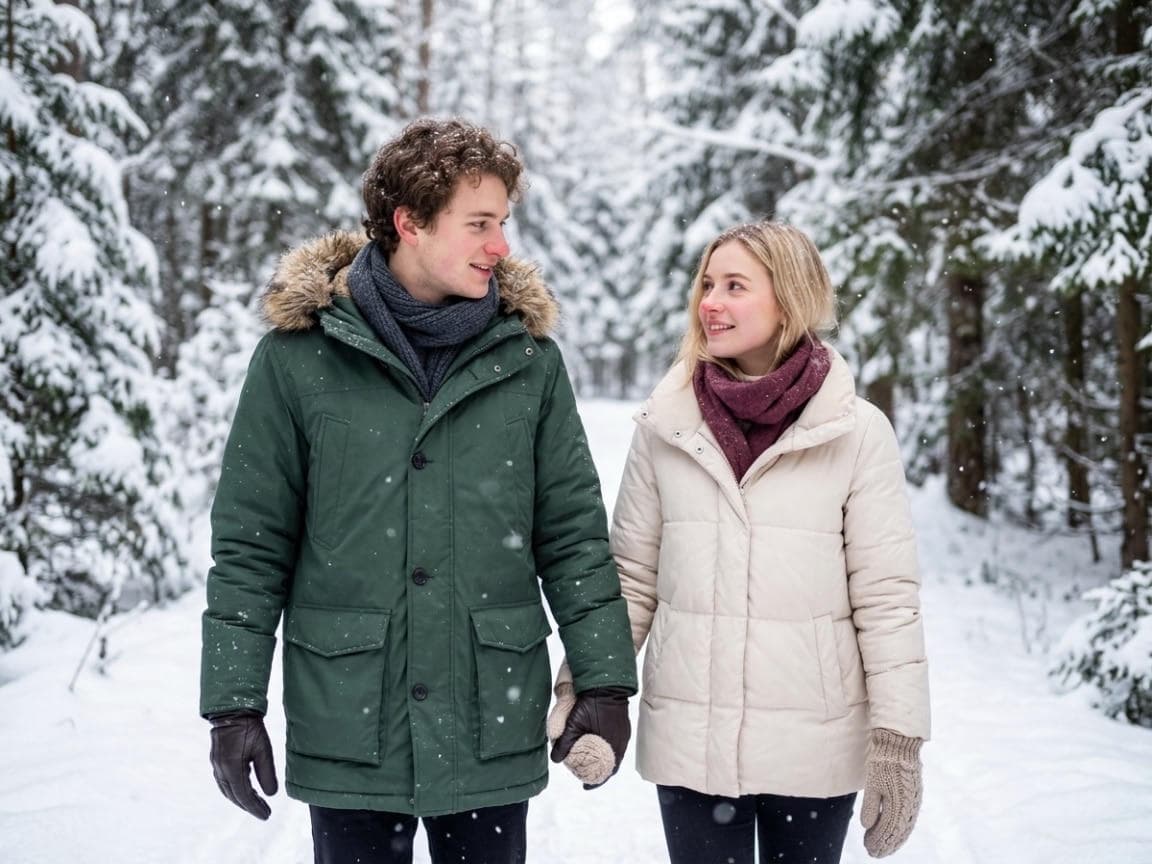
Woman in a white winter coat and knit hat standing in a snowy evergreen forest.Snow Day · Women

Snow Street

Blue-hour ambience with gentle snowfall.
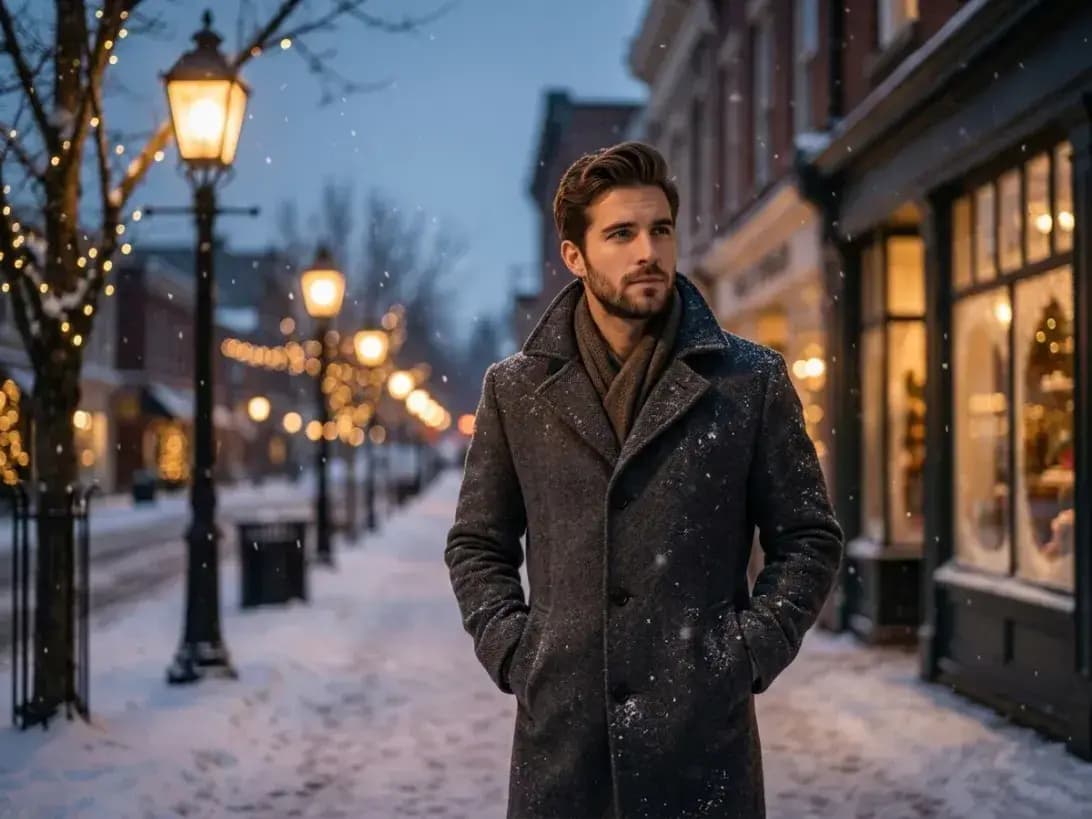
Man in a dark winter coat walking along a snowy city street at blue hour.Snow Day · Men

Winter White

Bright daylight look, cozy textures.

Generate Christmas photos

How the AI Christmas Photo Generator Works

Create Christmas AI Photos in 3 Easy Steps

Prompt‑only workflow—no photo upload required.
  1. Step 1

    Write your prompt

    Describe your scene, people, mood, and lighting in one sentence. Example: “Family by the tree, warm golden bokeh, cozy knits, soft key light, natural skin tones.”

  2. Step 2

    Tune your settings

    Pick your resolution (1K, 2K, or 4K), choose your ideal aspect ratio (such as 1:1, 4:5, 16:9, or Match original), and set your export format (JPG or PNG) in the AI Christmas Photo Generator.
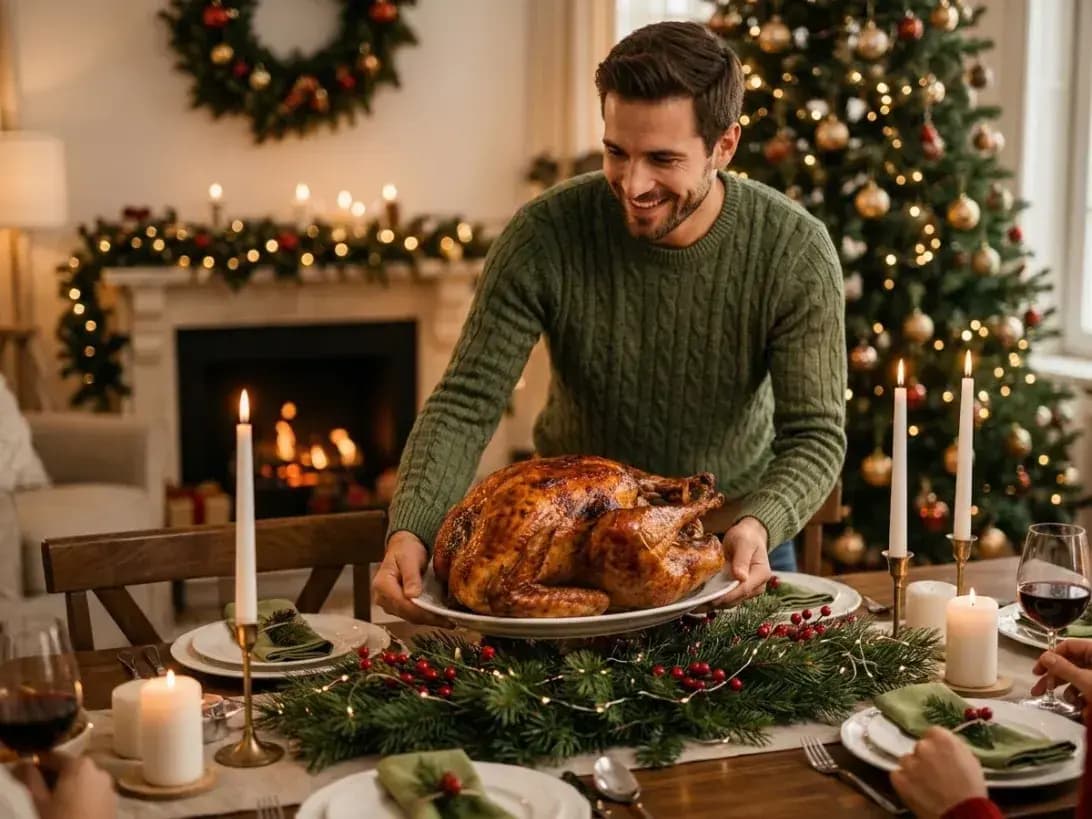
  3. Finished festive portrait with tree‑light bokeh

    Step 3

    Generate and download

    Click Generate to see your results in seconds. Use the split-screen slider to compare your inspiration with the final result from the AI Christmas Photo Generator, then download your festive portrait.

Generate Christmas photo

AI Christmas Photos for Every Moment

Use the AI Christmas Photo Generator to turn your ideas into warm, studio‑quality images—cozy living rooms, snowy streets, and party nights—powered by the nano banana model.
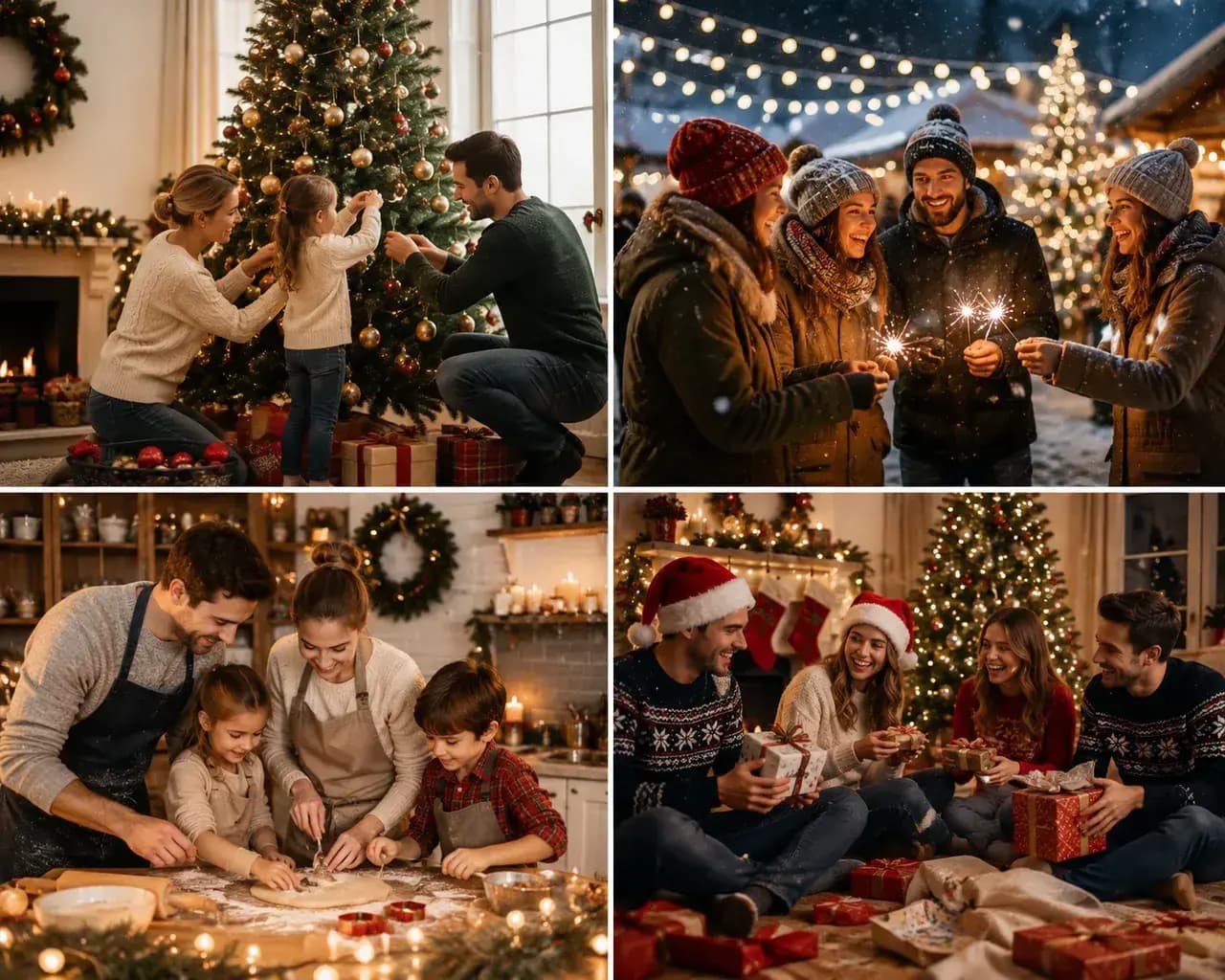
Four-image collage of families decorating a tree, baking, exchanging gifts, and enjoying a snowy Christmas market.

A Shot with Your Loved Ones

Christmas AI Portraits You’ll Actually Love

  • Works for couples, families, friends, or team photos with classic living‑room vibes.
  • Natural portrait lighting with warm tree‑light bokeh and clean skin tones.
  • Ideal for holiday cards, invites, profile photos, and framed prints.
Generate now →
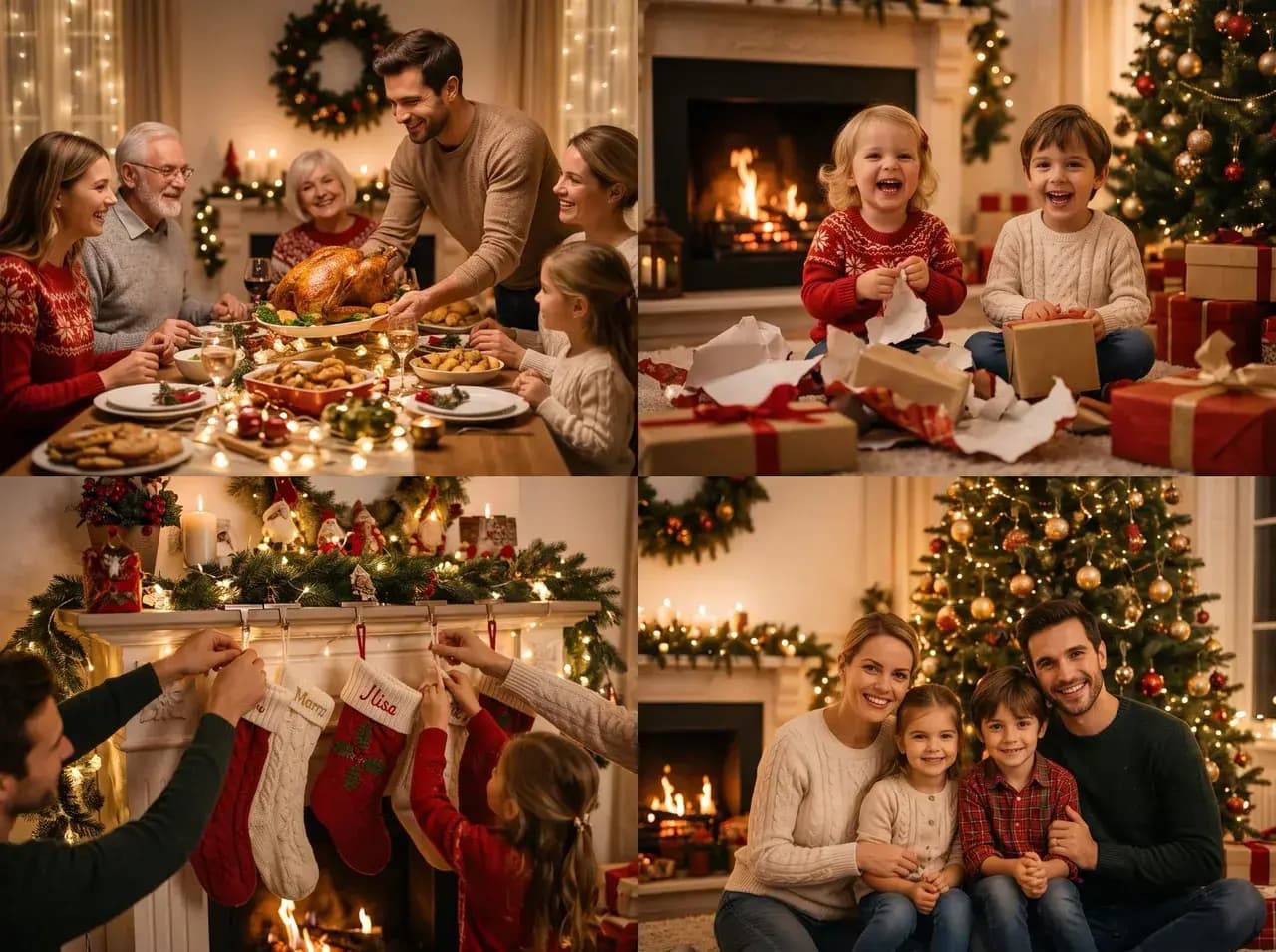
Four-image collage of a family Christmas dinner, children opening gifts, hanging stockings, and posing by the tree.

Be the Santa of Your Christmas

Your AI Christmas Photo Generator Does It All

  • From playful Santa looks to cinematic winter fashion—just describe the outfit and mood.
  • Accessories and styling are interpreted from your prompt for consistent results.
  • Follow likeness rights: only use authorized likenesses; avoid public figures.
Try a festive look →
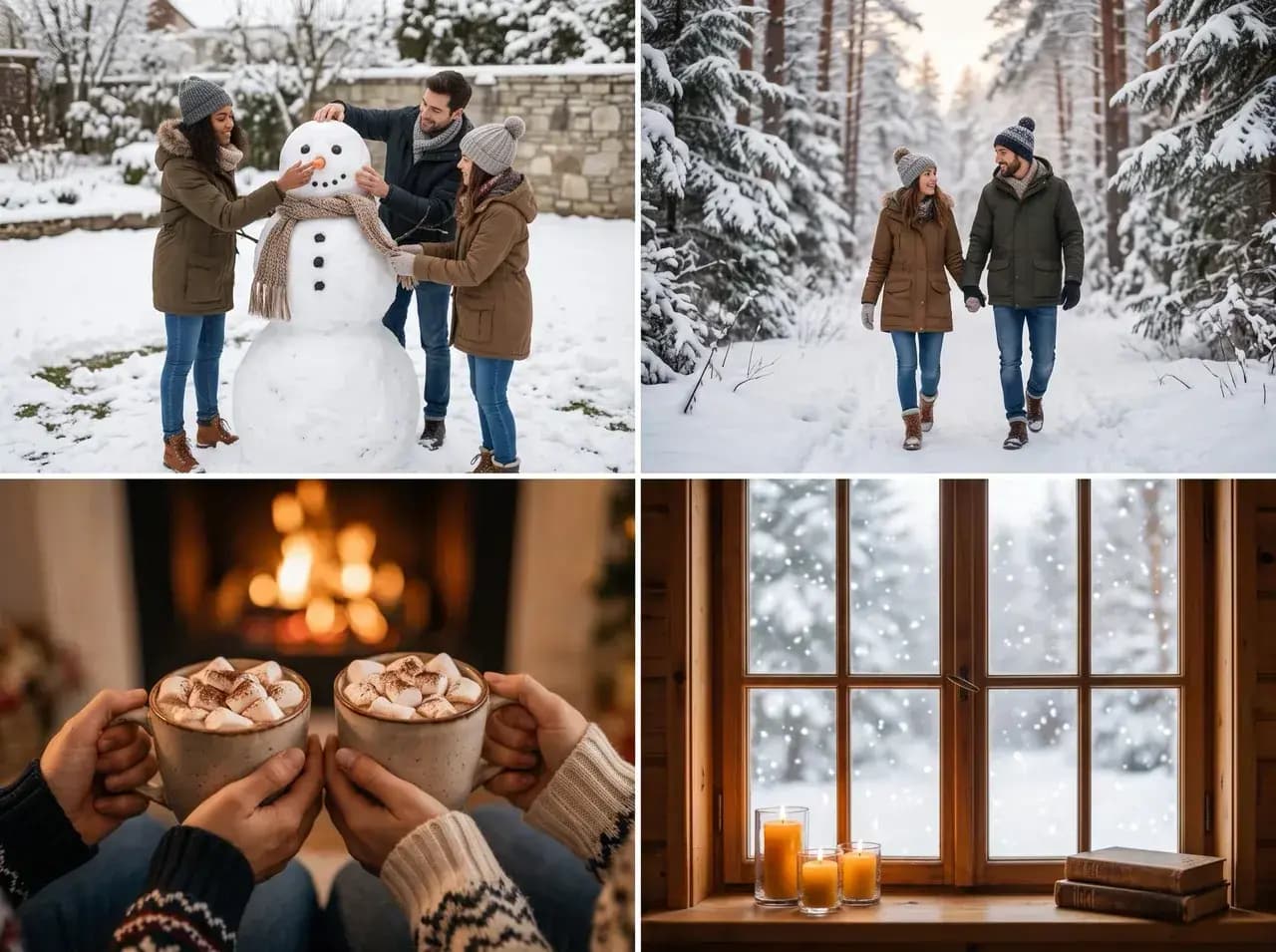
Four-image winter collage with friends building a snowman, a couple walking in snow, hot cocoa, and a snowy window.

Social Media Reels & TikTok

AI Christmas Looks for Social Media

  • Trendy close‑ups with creamy bokeh and gentle snowfall.
  • Clean framing for Instagram posts, Reels covers, and YouTube banners.
  • Fast variations to test multiple festive styles before you post.
Make social‑ready images →
Four-image Christmas collage with a holiday party, gift wrapping, a handwritten card, and a couple at a snowy tree market.

Create All‑in‑Cards in a Few Clicks

Personalize Cards with Christmas AI

  • Card‑friendly compositions with space for greetings and names.
  • Matching looks for each family member; export at 2K–3K for printing at 300 DPI.
  • Works with JPG, PNG (optional transparency), and WebP.
Design a card set →
  • Couple
  • Family
  • Kids
  • Pets
  • Friends
  • Business headshot
  • Party night
  • Solo portrait

Why choose nano banana bingo for Christmas photos

Nano Banana Bingo’s AI Christmas Photo Generator blends creative control with speed—so your christmas photos look studio‑ready without studio hassle.

Couple in Santa hats sharing hot drinks beside a glowing Christmas tree and fireplace.
  • Holiday magic, fast

    Go from prompt to photo in minutes.

  • Studio‑quality, friendly price

    Get premium looks without a full shoot.

  • Weather‑proof

    Snow or sun, your festive backdrop always works.

  • Fits every schedule

    Make images anytime—no bookings required.

  • Themes you can tune

    From cozy living rooms to cinematic winter nights.

  • Powered by the nano banana model

    Clean skin tones, warm lighting, consistent detail.

Try the nano banana model

Built for creators

How creators use the AI Christmas Photo Generator

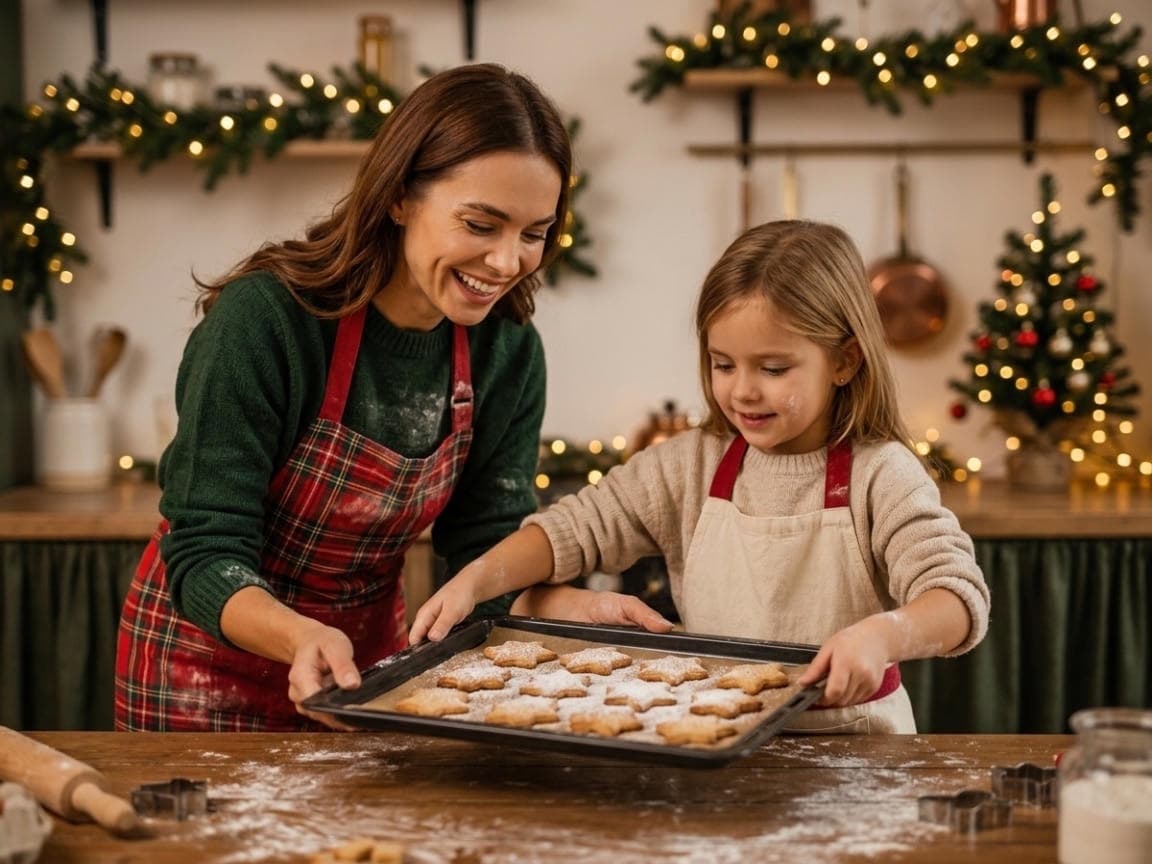
Mother and child baking Christmas cookies together in a kitchen decorated with garlands and fairy lights.

Creator Content

Social

Turn ideas into polished AI Christmas photos in minutes—ready to post.

Shot Planning

Photographers

Pre‑visualize sets, compare lighting, and share mood with clients.

Campaign Testing

Marketing

Test multiple festive styles quickly for promos and ads.

Moodboards

Design

Explore poses, backdrops, and color palettes for seasonal concepts.

Trend Refresh

Creators

Keep feeds fresh with new holiday looks—no reshoots needed.

Production Options

Brand

Provide teams with visual directions from first draft to final style.

See example workflows

Tool FAQ

FAQ

Generation, prompts, image quality, downloads, privacy, and usage rights.

Keep creating
Try another focused tool

View all tools